.webp)
.webp)
.webp)
.webp)

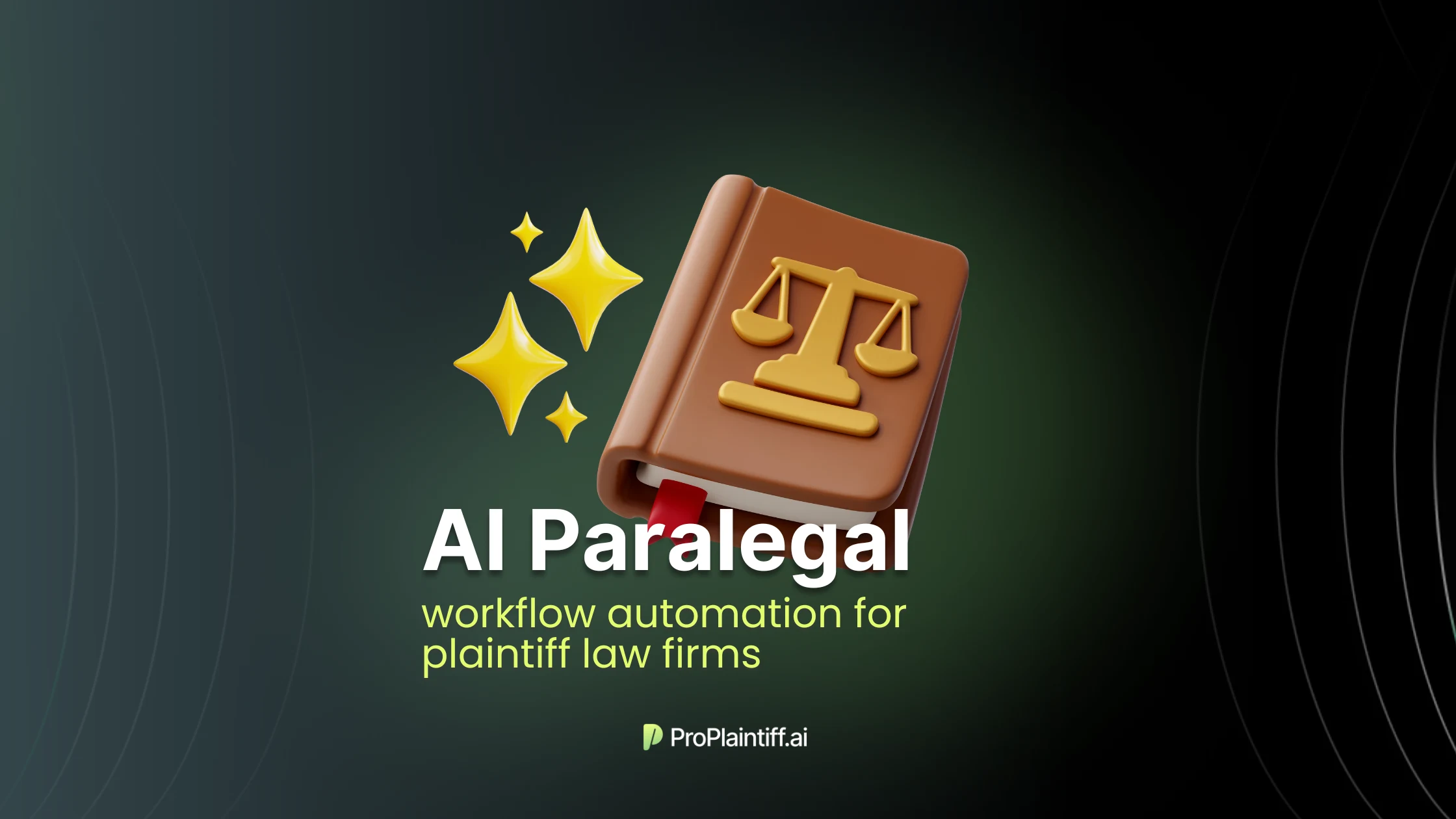
A skilled PI paralegal can build a chronology, draft a clean demand, chase records, run intake follow-ups, and prep an attorney review packet. But handling 40 active files at the same depth in every case is a completely different challenge.
Things slip. Bills get filed without being matched to treatment. Imaging reports sit in a folder no one has opened. Treatment gaps show up at attorney review instead of in week three.
AI paralegal software is meant to absorb the volume side of that work.
Specifically, the record sorting, the first-pass summaries, the timeline building, the missing-document checks. Only the judgment side stays with the paralegal and the attorney.
This guide breaks down what AI paralegal software actually automates, which workflows plaintiff firms should automate first, and what to look for before signing with a vendor.
See how ProPlaintiff helps plaintiff firms automate paralegal workflows.
AI paralegal software handles the document-heavy work that fills most of a paralegal's day at a plaintiff firm. The clearest way to picture it is what gets removed from the workflow once the tool is in place.
A motor vehicle file with four providers and 1,800 pages of records used to take a paralegal somewhere between four and seven hours to read, sort, and turn into a usable chronology.
A more medically complex file with 8,000 pages or more would take a few full days.
With AI paralegal software, the same file gets OCR'd, sorted by provider and date, summarized by treatment event, and turned into a draft chronology with citations attached before the paralegal opens it.
The paralegal then verifies the entries against the source documents and flags the issues that matter, which is a different category of work than starting from the raw PDFs.
The category covers more than chronology building. For plaintiff firms specifically, AI paralegal software tends to focus on the workflows that move PI files from intake to demand:
The reason this category exists separately from general AI writing tools is that none of those workflows can run on a general-purpose product.
Records arrive as PDF dumps that need to be OCR'd before they can be read. Patient health information cannot be uploaded into a tool without a signed BAA and HIPAA-compliant infrastructure. A demand draft without citations resolving to specific record pages is not usable. A consumer chatbot does not produce any of that. It produces text that sounds confident and then fails the verification step.
The category sometimes gets framed as AI that replaces paralegals. That framing misses what the tool actually does. It replaces tasks that are repetitive, document-heavy, and pattern-based. The paralegal still owns verification, judgment calls on treatment gaps, client communication, and the work that requires reading the case in context rather than reading the records in order.
An AI paralegal can automate the first pass on document-heavy legal work, such as organizing records, extracting facts, building chronologies, flagging missing documents, and drafting review-ready summaries. It works best when the output can be checked against the case file.
The list of automatable tasks for a PI firm include:
AI can point out what happened in the file. It should not decide what the case is worth, what argument to make, what to tell the client, or whether the facts are safe to use. That stays with the paralegal and attorney reviewing the work.
A useful way to think about the split is that AI handles the first pass. The paralegal and attorney handle the final pass.
AI can take over some repetitive paralegal tasks, especially the ones that are pattern-based and verifiable. It should not replace the paralegal role.
The work that maps cleanly to AI is the work that runs at high volume and depends on consistency rather than judgment. Reading 300 pages of medical records to extract dates, diagnoses, and treatments is exactly the kind of task humans do worse at scale, mostly because attention drops off. AI does not get tired at page 220.
The work that does not map cleanly is the work that requires interpretation. Whether a treatment gap reflects genuine recovery, a documentation issue, or something to investigate is a judgment call that depends on the case, the client, and the strategy. That call belongs to the paralegal or attorney with the source records open.
Firms that get this split right tend to see their paralegals move into higher-value review work, such as checking citations, spotting causation issues, flagging missing bills, and preparing attorney strategy notes. The role becomes more focused, not less necessary.
The marketing usually works before the operations do. A large California PI firm with about a dozen lawyers was signing 10 to 20 Uber and Lyft cases a month from a single channel, then lost the relationship because the intake team could not keep up with the call volume.
The team behind it was running out of hours before the leads converted to signed cases.
That same pattern repeats further down the file. A paralegal handling 40 active PI files at any given moment cannot give every file the same depth. Records come in from one provider on Monday, bills from another two weeks later, an imaging report from a third provider a month after the visit.
Each file needs the paralegal to OCR scanned PDFs, sort records by provider and date, match bills to treatment notes, and reconcile what is in the file against what should be there. By the time the eighth case of the day lands on her desk, the same task that took 30 minutes at 9 AM takes an hour and a half at 4 PM on a Tuesday.
The result is files that look active in the case management system because tasks are getting closed, but are not actually moving toward demand. The missing pieces only show up at attorney review, which is often the night before the demand goes out.
At that point the choice is between sending the file out with gaps in it or pushing the demand by another two weeks while somebody chases the missing bill.
Hiring out of the problem stops working past a certain caseload. Adding a second paralegal to go from 40 active files to 80 doubles headcount cost without changing how each file gets handled.
The bottleneck is that a meaningful share of what paralegals spend their time on is assembly work, i.e. reading records, building chronologies, matching bills, chasing missing documents.
That work is repetitive and pattern-based, which is the exact profile of work that automates well.
The capacity gain comes from moving the assembly work into a system that processes records continuously as they arrive, instead of in a sprint the week before a demand goes out.
The metric that matters is whether the firm moves more files from records-complete to demand-sent without adding headcount in direct proportion to caseload growth. That is where firms either build leverage or stay stuck running on staff hours alone.
The right starting point is the workflow that combines high volume, low judgment, and easy verification. For most plaintiff firms, that means medical records and demand preparation.
|
Workflow to Automate First |
Why It Matters |
|
Medical record summarization |
Cuts hours of dense-record review per file. Pattern-based work that AI handles consistently. |
|
Medical chronology creation |
Gives attorneys a structured, cited timeline they can review in minutes instead of building from scratch. |
|
Missing record detection |
Catches gaps in the file early enough to chase the records before demand drafting starts. |
|
Treatment gap flagging |
Surfaces timeline issues so attorneys can prepare explanations before adjusters raise them. |
|
Demand package preparation |
Moves the file from records-complete to draft-ready faster, without losing citation support. |
|
Case readiness tracking |
Shows which files are blocked, which need review, and which are ready for demand. |
|
Discovery organization |
Reduces document chaos during litigation by sorting, summarizing, and surfacing what matters. |
|
Drafting repetitive sections |
Treatment summaries, injury narratives, and bill summaries that follow the same structure on most files. |
Each of these workflows shares the same profile. The output is verifiable against a source document. The work is repetitive enough that consistency matters more than creativity. The time savings compound across a caseload.
See how AI medical chronology software works.
The work breaks into five tasks. Each one removes a specific bottleneck from the pre-lit file.
Records, bills, police reports, photos, insurance documents, wage loss documentation, provider correspondence, discovery materials, and intake notes arrive in different formats from different sources on different timelines. Before any of it is usable, the file needs OCR on scanned PDFs, duplicate removal, grouping by provider and date, and separation of medical evidence from administrative noise.
That work usually falls to a paralegal at the start of every file. AI handles it once, automatically, and the same way across the caseload.
From the organized record set, the system surfaces dates of treatment, provider names, diagnoses, procedures, imaging findings, pain complaints, functional limitations, work restrictions, follow-up recommendations, future care notes, liability facts, and damages details.
This is the work where humans lose accuracy under volume pressure. A paralegal reading 400 pages on deadline can miss a four-word entry in an operative report. One firm had a wrist surgery case stuck at $140K. The adjuster said that was the top offer. The AI flagged that the client had woken up during surgery, four words buried deep in the op report. The paralegal raised it on the next call. The offer went up $100K.
That detail moved case value by 71%. It existed in the records the whole time. Nobody had read deep enough to find it.
The chronology pulls extracted facts into a date-based timeline organized by date, provider, complaint, diagnosis, treatment, recommendation, relevance, and citation. The strongest tools also code event types like treatments, pre-existing conditions, red flags, treatment gaps. That lets the paralegal navigate the file by case significance rather than page order.
A cited chronology is what makes the rest of the demand package defensible. Without it, every claim in the demand has to be verified manually before it goes out.
Once the chronology is built, the system can generate treatment summaries, injury narratives, damages summaries, medical bill summaries, exhibit lists, demand letter sections, and attorney review packets.
The attorney still sets the demand number, the tone, and the liability framing. The software handles the drafting that would otherwise eat a paralegal's afternoon and produce inconsistent output across files.
The same record review that builds the chronology can identify what is missing. Records for known treatment dates that never arrived. Bills without matching treatment notes. Treatment notes without corresponding bills. Unexplained gaps in care. Pending provider responses. Missing client updates. Incomplete wage loss documentation. Missing liability evidence.
Each flag should resolve to a document trail the paralegal or attorney can verify. A flag without a reason is noise. A flag with the source record attached is a task the team can act on within the same workday.
See how AI document review works in plaintiff workflows.
|
Workflow Area |
Traditional Workflow |
AI-Assisted Workflow |
|
Document review |
Staff manually read and summarize records |
AI creates first-pass summaries for review |
|
Chronology creation |
Built manually in spreadsheets or Word docs |
Generated as a structured, cited timeline |
|
Demand drafting |
Starts from templates or prior examples |
Starts from case-specific, record-informed drafts |
|
Missing records |
Found during manual review, often at demand drafting |
Flagged earlier through workflow checks |
|
Case readiness |
Tracked across notes, tasks, and staff memory |
Centralized readiness indicators with reasons |
|
Attorney review |
Often delayed by incomplete prep |
Receives cleaner, more organized review packets |
|
Cross-file consistency |
Varies by who built the file |
Standardized structure across cases and attorneys |
|
Scaling |
More cases require more manual hours |
Repeatable workflows reduce admin load |
Traditional case management tracks what was done. AI paralegal software handles what gets done next.
The best AI software for legal workflows depends on the workflow itself. Plaintiff firms need case-file and demand automation. Transactional teams need contract review. Research-heavy practices need tools grounded in legal databases. A platform built for one of those workflows rarely fits the others well.
For plaintiff firms, the tools that matter are built around the records-to-demand pipeline.
Tool category aside, the vendor that can demo source-linked output on a real case file is the one worth a second conversation. The vendor that defaults to slide decks and avoids running the demo on a messy file is usually selling a polished version of something less mature.
Selection criteria worth testing on every demo:
AI output is only useful if attorneys can verify it. That is the constraint that separates tools that move files from tools that produce confident-sounding drafts nobody trusts.
The risk is not theoretical. Federal courts have sanctioned attorneys for citing AI-generated case law that did not exist. The same failure mode shows up in medical workflows when the tool summarizes records without showing where each fact came from. The summary reads cleanly. The diagnosis on page three never appeared in the source. Nobody catches it until the defense does.
What citations actually buy:
Treat AI output like work from a first-year associate. Read the source. Confirm the entry. If the tool cannot produce the source, the entry does not ship.
The safest AI paralegal for plaintiff law firms is the one that shows where each fact came from. A tool that writes well but cannot show its work creates new verification work instead of removing it.
See how cited medical chronologies strengthen demand packages.
The real benefit is moving more files through the firm at the same quality level without adding headcount in direct proportion to caseload growth.
The time savings show up in assembly, not writing. A chronology that took a paralegal 4-7 hours to build manually on a 1,800-page MVA file arrives in 15-30 minutes, with every entry cited back to the record. The paralegal's job becomes review and flagging, not extraction.
Paralegals stop reformatting records, summarizing the same patterns across files, and hunting for information that should have been organized when the records arrived. The time moves into work that requires reading the case in context: causation issues, treatment gap explanations, attorney strategy notes.
Chronologies and summaries follow the same structure across attorneys, paralegals, and offices. Carriers learn which firms send organized, documented demands and which firms send loose narratives with missing backup. The first kind gets evaluated faster and discounted less.
Missing records, bills, treatment gaps, and provider delays surface in week two of the file, not at the demand draft. The attorney inherits a file that has been pressure-tested for the obvious gaps, not one that breaks open at 9 p.m. the night before the demand goes out.
The attorney reviews a cleaner file. Cited summaries, structured chronologies, organized exhibits, clear next steps. Review time drops from hours to minutes per file without the review depth dropping with it.
The metric that moves is days from demand sent to first offer. Cases that used to go quiet between treatment-complete and demand-drafted move continuously instead. Throughput stops depending on whichever paralegal happens to be on top of which file.
AI paralegal software works when the firm treats output as a first draft and builds verification into the workflow. The risks show up when firms treat output as finished work product.
Common traps:
The standard is to use AI to make the work cleaner, faster, and easier to verify. Not to make verification disappear.
Roll out on a single workflow before scaling. Firms that try to deploy across the whole pre-lit pipeline at once burn 60 days on configuration and end up with adoption gaps in every direction.
Pick the workflow with the highest hours leaking and the most consistent output. For most PI firms that is medical record review. A team that spends 4-7 hours per 1,800-page file on chronology assembly can measure time savings inside two weeks. Other defensible starting points: settlement demand package preparation, case readiness tracking, and discovery organization.
Pick one. Run it on 10-20 active files. Measure. Then expand.
Keep the existing process running alongside the AI workflow on a defined test set for 30 days before any cutover. Audit active files for deadline risk before they move into the pilot. The parallel run answers the only question that matters: does the AI output reach the attorney faster and cleaner, or does it produce a "starting point that still needs three hours of work"?
If the answer is the second one, the tool is not ready for the firm.
Standardize chronology fields, demand package sections, summary formats, citation rules, review notes, and escalation criteria before the pilot expands. A rollout that scales without templates produces faster output that is inconsistent across attorneys and offices. Faster inconsistency is not a win.
Specify who reviews what and when. Medical summaries get reviewed by the assigned paralegal before they feed into a demand. Chronologies get verified against source records. Treatment gap flags route to the attorney or senior case manager. Demand drafts get reviewed by the attorney before the file moves to negotiation prep.
Review checkpoints protect the work product and the bar license. They are not optional, even when the AI output looks clean.
Paralegals resist AI tools at first, usually over job security. The pattern is consistent and predictable. Force adoption fails. Give the team 60 days with real support and visibility into what they stop having to do. Firms that get past day 60 with a well-managed rollout report the same thing: staff do not want to go back to reading records all day.
The operational distinction is what AI flags vs. what the human decides. AI flags a treatment gap. The paralegal decides whether the gap matters. AI extracts a diagnosis. The attorney verifies it against the source. Training that covers tool buttons without verification skills creates new failure modes.
Track the rollout by what moves, not by license seats activated. The metrics that matter:
The bar to clear at 60-90 days: does this tool let two people do the work of five without weakening citation support, attorney review, or demand quality? If the math works, expand. If it does not, the workflow probably needs to be fixed before the automation can help.
ProPlaintiff helps plaintiff law firms automate repetitive paralegal workflows across medical record review, cited chronologies, demand preparation, case readiness tracking, and attorney review. The team moves from scattered case documents to structured, source-backed outputs without losing human oversight.
The work that used to fill a paralegal's day with record sorting and timeline building moves into the system. The paralegal moves into the review and judgment work that actually drives case quality.
Book a demo for your plaintiff firm automation.
An AI paralegal can automate first-pass legal support work that depends on documents: organizing records, summarizing medical files, creating cited chronologies, flagging missing records, spotting treatment gaps, drafting demand sections, preparing review packets, and tracking case readiness.
AI can replace parts of repetitive paralegal work, especially sorting, extracting, summarizing, and formatting. The paralegal still reviews the output, checks citations, follows up on missing information, and decides what needs attorney attention.
Plaintiff firms should automate the workflows that slow files down before attorney review: medical record summaries, cited chronologies, missing-document checks, treatment gap detection, demand package preparation, and case readiness tracking.
AI paralegals help with case prep by turning raw case materials into organized drafts the legal team can review. That includes timelines, treatment summaries, missing-record flags, demand materials, discovery summaries, and attorney review notes.
For plaintiff PI firms, the strongest options are ProPlaintiff.ai, EvenUp, Supio, Precedent, and Filevine MedChron. All are built for medical record review, cited chronologies, and demand preparation. For broader legal work, Clio Manage AI handles practice management, CoCounsel and Lexis+ AI cover research-backed drafting, and Harvey serves larger firms with cross-practice needs.
AI paralegal software is appropriate for medical records only when the vendor supports HIPAA-compliant handling of PHI and signs a Business Associate Agreement. Firms should confirm security controls, access permissions, and data-retention rules before uploading records.
AI paralegal software works alongside case management software. The case management system tracks tasks, contacts, deadlines, and case data. The AI tool handles the document-heavy layer: record review, chronology building, demand preparation, and readiness tracking.

Agentic case management platform designed to streamline the work of law firms.


Join our Newsletter
Welcome to ProPlaintiff!
Oops! Something went wrong, please try again


.svg)