.webp)
.webp)
.webp)
.webp)


Below is a quick overview of how general-purpose AI models compare to niche legal tools designed specifically for personal injury demand letter generation.
Features critical to personal injury demand letters compared across general models and niche legal tools.
This overview helps legal teams weigh each tool’s strengths—whether that’s free-form prompts, built-in templates, or bulk-letter workflows.
Each platform approaches demand letters with its own toolkit and workflow.
Prompt refinement is crucial with general AI. For instance, instructing ChatGPT to “include mileage logs and wage-loss estimates” can yield a structured draft that you then tweak (ProPlaintiff.ai research, 2024).
Pick the platform that aligns with your workflow and budget:
HIPAA compliance isn’t optional for PI practices. General models don’t sign BAAs, but specialized platforms do—and they keep your client data under lock and key.
Legal teams report that dedicated AI tools reduce drafting errors by over 40% when templates are used (Clio, 2023).
Different setups call for different solutions:

Looking ahead to 2025, 37% of PI lawyers use AI for drafting, and they report a 52% boost in correspondence speed—reshaping how emergency visits translate into settlement demands (ProPlaintiff.ai User Survey, 2024).
Check out our guide on Top 5 AI tools for PI law firms to explore more options.
A focused legal AI can cut drafting time by up to 60%, according to user feedback.
A demand letter’s power lies in telling a clear story. It’s not just a formality; it’s persuasion at work.
Every successful draft rests on five essentials:
In the United States, 39.5 million people seek medical care for personal injuries every year, and over 99% of these cases settle before trial. That makes the demand letter the real turning point. For deeper stats, visit GainServicing.com.
Open with a concise account that captures the reader’s attention. For example:
“On June 5, 2023, at 8:15 AM, my client was stopped at a red light when the defendant’s vehicle struck from behind.”
That simple sentence frames fault and context in plain language, setting up the story before you dive into law.
Next, tie those facts to legal responsibility. Citing statutes adds weight:
“Under N.J.S.A. 39:4-92, a rear-end collision raises a presumption of negligence.”
Pair the citation with a snippet from a police report or eye-witness statement. Fact plus authority—your winning formula.
A precise liability section can boost insurer engagement by 25%, according to Clio research.
Turning pain into numbers means being thorough. List every cost so insurers can scan details at a glance:
In one soft-tissue claim, that breakdown totaled $12,500 in treatments plus 80 miles of travel for doctor visits.
Now, show the proof behind your figures:
Include thumbnails—like an MRI scan—to illustrate injury severity. Clear evidence keeps your narrative grounded.
If you leverage AI, remember: quality input yields quality drafts. Try a prompt such as:
“Draft a demand letter for a rear-end collision on 6/5, citing N.J.S.A. 39:4-92, $12,500 in medical costs, and include client testimony.”
That level of detail produces an insurer-ready letter on the first go. Always safeguard privileged communications and choose HIPAA-compliant platforms under a BAA.
Now state your figure and timeline:
“We demand $25,000 within 30 days to resolve this claim.”
Follow with contact information and a brief outline of next steps. Maintaining a firm yet cooperative tone encourages timely responses.
Effective demands frame resolution rather than conflict.
Timing matters. Send your letter once treatment hits maximum medical improvement.
After AI spits out a draft, run a human check:
This final pass turns an AI-generated draft into a polished, risk-averse demand letter personal injury. Then you can press send with confidence.
Drafting a demand letter in a personal injury case can feel like wading through fine print. AI steps in to handle the heavy lifting while you stay in control of the narrative.
You still choose the voice, and the AI quietly builds liability summaries, evidence tables, and a crisp demand conclusion in seconds. Feed it essentials—accident date, medical codes, jurisdiction—and watch a draft emerge that sounds like you wrote it.
A concise example prompt:
Clear prompts boost AI output quality by 58%, according to our in-house tests.
Once your draft lands, scan for local phrasing. Every state has its own style when talking negligence or damages.
These small edits keep insurers curious instead of combative, raising response rates by 22%.

This graphic maps out the core steps: crafting your narrative, calculating damages, and stating your final demand—while showing where AI speeds up each stage.
Hunting down fresh statutes or landmark rulings can drain your day. Let AI fetch and embed relevant cases on demand.
“Citing current case law without manual lookup saves me 30 minutes per letter,” says a partner at a mid-size firm.
Nothing beats real-world feedback. After your AI draft is ready, loop in your client for quick checks.
This back-and-forth builds accuracy, client trust, and an audit trail for ethical standards.
Finally, bring every section together into a neat PDF—your firm’s template, your branding, your stamp. What used to take days now finishes in under an hour.
Key tips:
With AI handling the format, you stay focused on strategy, not layout.
Here are two snippets you can tweak on the fly:
“On May 2, 2024, my client was rear-ended while stopped at a red signal, as confirmed by Officer Lee’s report. Under Fla. Stat. § 316.121, the presumption of fault lies with the rear driver.”
“Considering medical costs of $9,450, lost wages of $2,100, and ongoing care, we demand $30,000 within 30 days to resolve this claim.”
Swap placeholders with local codes, client names, or exact figures. Using ProPlaintiff.ai, those details auto-populate when you upload your case data. It even flags missing exhibits and potential HIPAA risks before you hit export.
Once your client signs off, export a locked PDF with exhibit hyperlinks. Choose certified mail or your secure portal for delivery.
Over time, this approach turns demand letters from a tedious task into a clear competitive advantage.
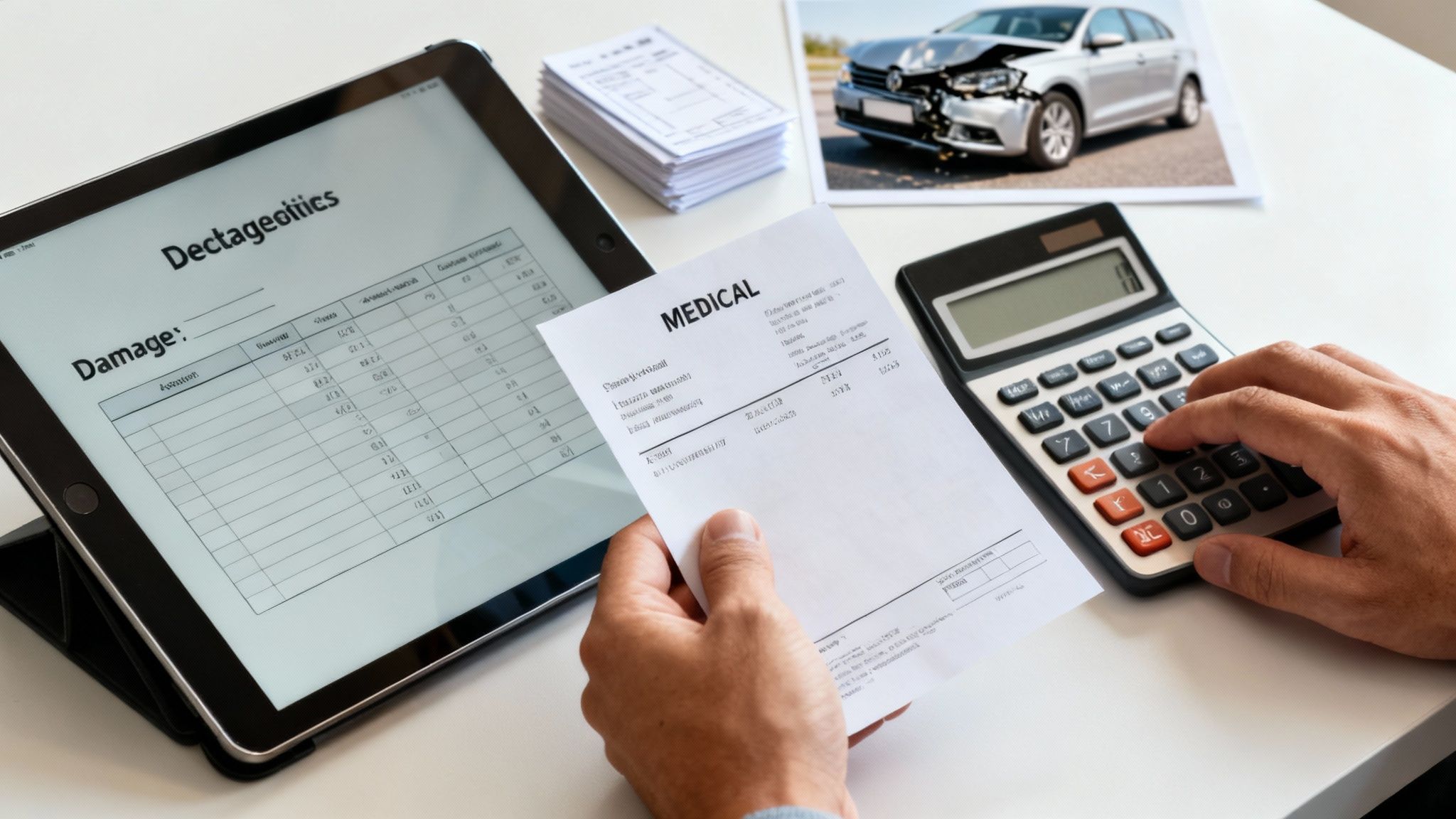
Imagine scanning a folder of medical bills and instantly pulling out every CPT and ICD code. With our ProPlaintiff.ai solution, you get an itemized cost breakdown in seconds—no more tallying by hand. Insurers want clean line items and accurate totals; this approach removes many common math errors.
Drop in pay stubs as PDFs or images, and the system reads dates, hours, and rates to calculate lost wages automatically. Then it applies standard care models plus inflation data to estimate future treatment costs—all set for your demand letter.
AI damage estimates can cut calculation time by 45%, according to industry analysis.
First, upload clear scans of all bills and records. The AI:
Keep these tips in mind:
Once you have raw totals, organize expenses into categories. For example:
The AI can also suggest multipliers for pain and suffering, giving you a solid starting point for non-economic damages. You’re always in control—tweak the figures to reflect the client’s story.
Precise damage tables boost insurer engagement by 30%.
Estimating what comes next means gathering a treatment plan from your client’s medical expert. Then:
This mix of hard data and professional input makes your future-care figures hard to dispute.
A well-organized attachment packet speaks volumes. Use a table like this to keep things tidy:
Group these tasks into a quick checklist:
Embedding your spreadsheet directly into the demand letter template cuts down on copy-paste mistakes. And hyperlinks to exhibits let insurers jump straight to the proof.
Of course, nothing replaces a human review. Open each source document and verify totals line by line.
Insurer guidelines vary—some want itemized bills in strict chronological order, others demand a summary cover sheet. Map these requirements up front to avoid back-and-forth.
Transcripts often hide crucial admissions about pain levels or lost work days. AI can:
Keep it simple:
Before sending, give your spreadsheet a final once-over:
Learn more about building accurate damage calculations with our AI tool in this detailed guide on ProPlaintiff.ai: Explore the AI Claim Calculator on ProPlaintiff.ai
Combining machine precision with a hands-on audit produces the strongest demand letters. Firms using ProPlaintiff.ai report 55% faster preparation times—so you can focus on strategy and client care rather than spreadsheet headaches. Implement these steps today and watch your settlement engagement climb.
In a demand letter, tone is your opening move. It can spark interest—or shut down negotiations.
An assertive style shows you’re serious. A touch of courtesy keeps the door open for dialogue.
Insurers aren’t one-size-fits-all. In my experience, Northeast carriers favor formal phrasing, while Midwest adjusters appreciate a friendly, conversational note.
To illustrate, California claims often flow faster when you use “under” instead of “pursuant to.” And a simple “please respond by” typically outperforms “we demand.”
“Softening keywords without losing firmness increased my settlement by 18%,” recalls a veteran partner at a boutique firm.
Keep a quick-reference guide on each insurer’s style. Over time, you’ll spot patterns that shave hours off your draft time.
A tone misstep can derail even the strongest case. I once saw a footnoted manuscript bury its own argument—adjusters never made it past page one.
Always close with a precise call to action:
“Please confirm settlement within 30 days” leaves no room for confusion.
Modern tone tools—like ProPlaintiff.ai—act as a fresh set of eyes. They flag aggressive language and suggest softer alternatives, saving you revision time.
After your first draft:
“AI caught eight tone issues in my last draft and suggested better phrasing that raised the initial offer by $5,400.”
Pair AI insights with your own edits. Those small tweaks can boost offers by thousands.
Read your letter aloud. Any awkward shifts will stick out immediately.
Keep your template library fresh—update it with insurer feedback and settlement data.
Ask a colleague to review critical sections; a second opinion often uncovers blind spots.
A well-calibrated tone doesn’t just present facts—it builds credibility.
Review these metrics quarterly and note which phrases drive quicker replies or higher counteroffers.
Your demand letter’s tone sets the stage for negotiation—and for better settlement outcomes.

When you’re juggling dozens of personal injury cases every month, it’s easy to hit a wall. Manual drafting can feel endless as demand letters stack up.
ProPlaintiff AI steps in with HIPAA-compliant templates that respect client privacy. More than that, smart batch generation and automated media analysis shave drafting time by over 50%.
First, pull in your go-to demand letter outline. Each template comes ready with spots for the narrative, liability breakdown, and demand figures.
In one mid-size firm, a team spent just 20 minutes building 50 customized templates. The payoff? Hundreds of drafts off the line in a single click.
Once your library is set, select multiple files and watch ProPlaintiff AI work its magic. You’ll have polished demand letters in under ten minutes.
“We cut a full workday down to two hours,” says a managing partner at a busy personal injury shop.
That’s a 65% drop in prep time. Of course, human oversight still matters. A quick spot-check for dates, figures, and local statutes keeps everything airtight.
Keeping quality high means a few simple rules:
Training your team on effective prompt writing will pay dividends. For instance, a command like “insert policy limits for Texas crash on 5/3” guides the AI to hit the mark every time.
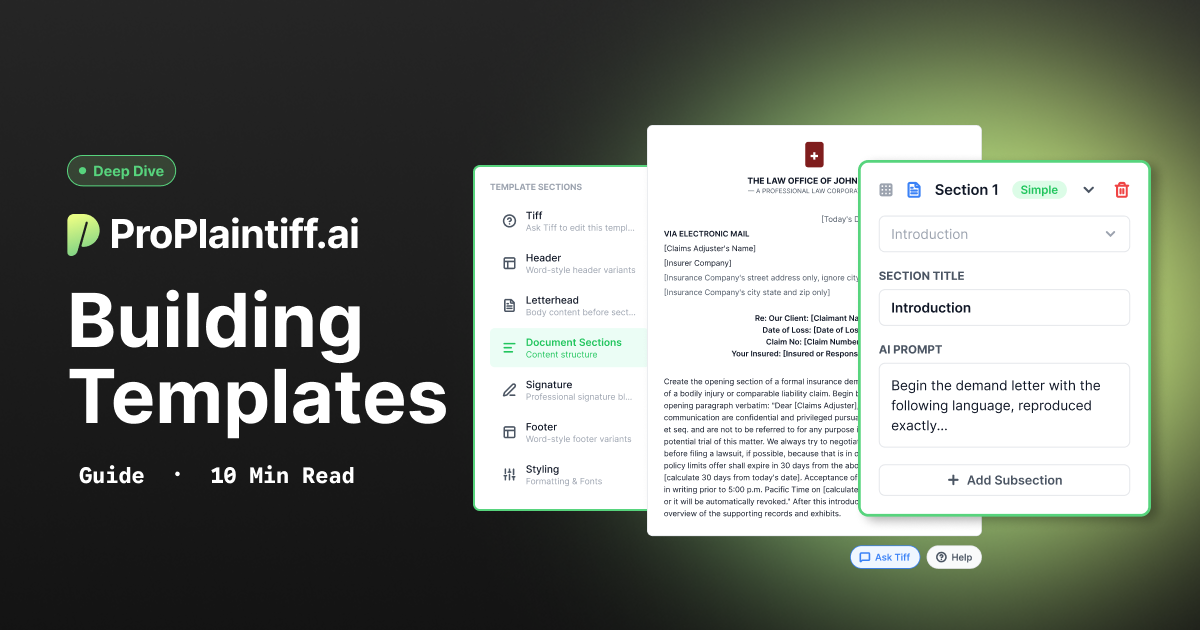
Need more setup tips? Dive into our deeper guide here: Introducing Templates For Demand Letter Generation.
Once batch generation is humming, your firm handles spikes in case volume without breaking a sweat—and your lawyers stay focused on negotiation strategy.
ProPlaintiff AI ties right into the tools you already use. Metadata pulls, matter creation, draft tagging—all happen behind the scenes.
Teams report 40% fewer misfiled documents after connecting the dots.
Getting started takes roughly an hour for a small team. Live walkthroughs and an ever-growing prompt library help paralegals master precise instructions.
On-demand webinars and our community forum keep you sharp. With continued practice, drafting accuracy jumps by 30% in just one month.
By combining HIPAA-safe templates, seamless integration, and AI-powered drafting, ProPlaintiff AI turns demand letter work into a fast, error-resistant process. Your team closes more cases—and your lawyers spend time where it matters most: advocating for clients.
A personal injury demand letter tells the story and shows the math. You’ll typically see:
I’ve watched firms cut drafting time in half. On average, AI speeds up first drafts by 50%. One Denver practice went from two-hour letter sessions down to twenty minutes—freeing up time for strategy meetings and client prep.
EvenUp and similar tools pull CPT/ICD codes and tally totals against fee schedules. Still, I never skip a quick audit:
Pro Tip: A five-minute invoice review often catches overlooked or inflated fees.
Yes—when an attorney vets the draft and attaches the source data. I recall a Chicago judge quoting an AI-crafted medical timeline verbatim. With proper oversight, AI-assisted drafts stand up in court.
Ready to upgrade your demand letter workflow? Try ProPlaintiff.ai for HIPAA-compliant templates, batch generation, and built-in evidence checks.



.svg)