.webp)
.webp)
.webp)
.webp)


Legal document automation used to mean building a template, adding fields, and reusing the same structure with new client information. That model still works well for standardized forms, but many firms now need a second capability: drafting fact-heavy documents from the evidence already stored in the matter.
The best platform therefore depends on what creates the document. ProPlaintiff.ai is built around plaintiff case evidence and PI workflows, Clio Draft around Word templates and court forms, Gavel around questionnaire-driven workflows, Briefpoint around written discovery, NetDocuments PatternBuilder MAX around DMS-based automation and AI, HotDocs around complex deterministic assembly, Contract Express around enterprise templates and workflow, and MyCase around routine document automation inside practice management.
The products should not be ranked by feature count because they automate different drafting models. A court-form workflow, a discovery response, and a PI demand may all produce Word documents while requiring very different inputs and controls.
Legal document automation software creates documents using reusable templates, structured client or matter data, conditional logic, AI, or a combination of those methods. It can insert names and dates, select clauses, assemble document sets, collect questionnaire answers, or generate first-draft prose from case evidence.
Common outputs include engagement letters, pleadings, motions, discovery, contracts, court forms, demands, medical chronologies, settlement documents, representation letters, and authorizations.
A representation letter may only need client, incident, insurer, claim, and attorney fields populated. A demand letter may need the system to synthesize liability facts, treatment, diagnoses, bills, wage loss, and damages before drafting. Template automation fills the document, while AI drafting can help write it. Many 2026 platforms now combine both.
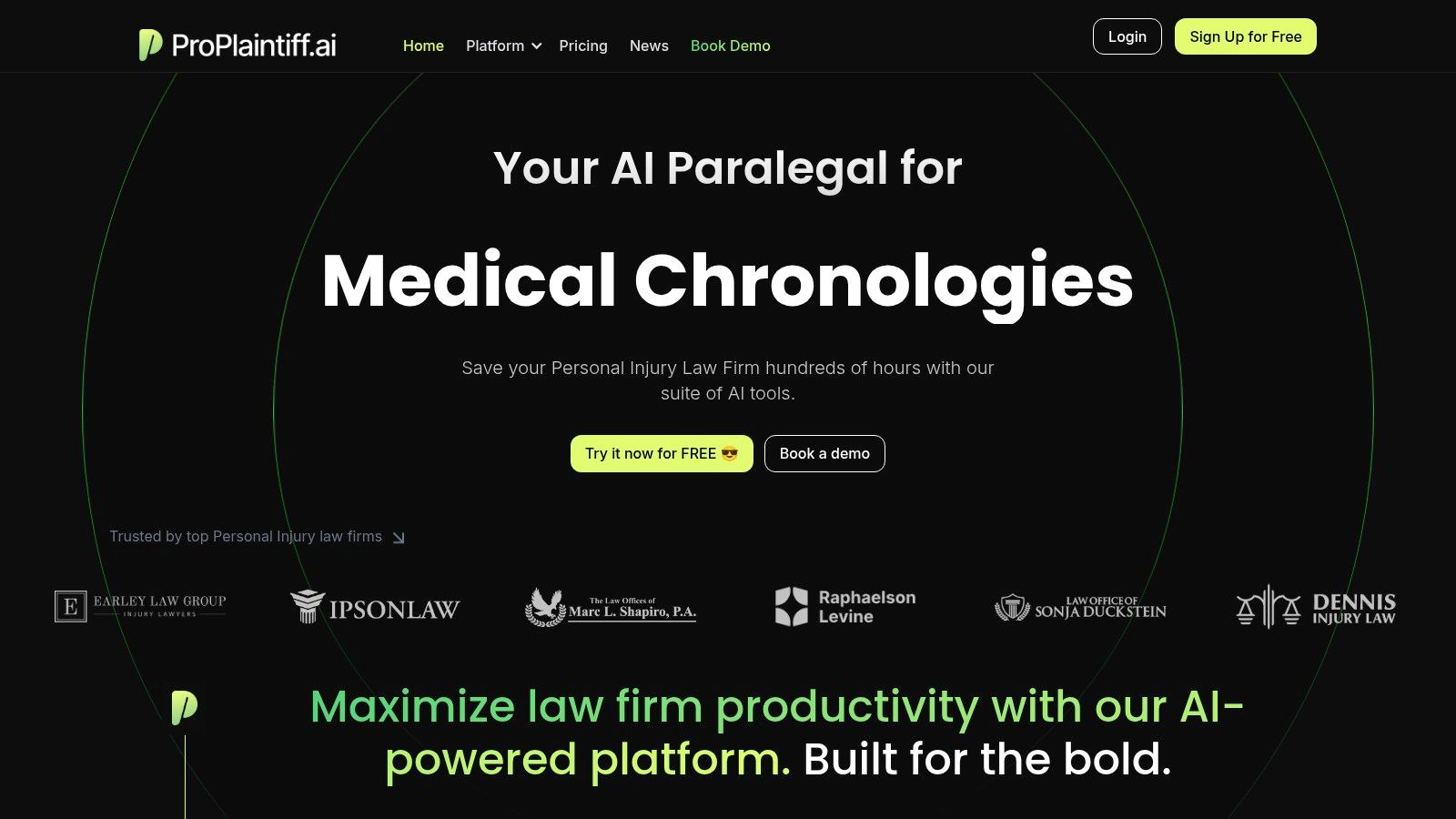
Best for: Personal injury and plaintiff firms that want document generation connected directly to case evidence.
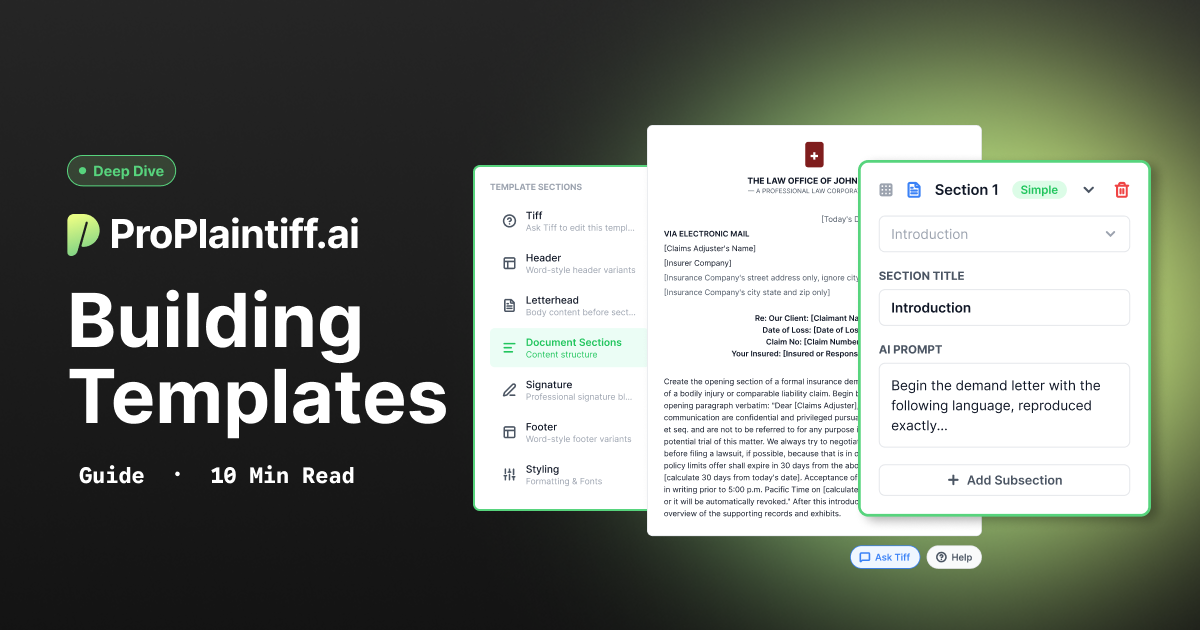
ProPlaintiff's DocGen uses information already stored in the case, including parties, dates, injuries, damages, insurance, and uploaded evidence, to prefill or draft documents. Current product materials describe prebuilt PI templates, case-aware drafting, a built-in editor, custom templates, DOCX export, and Template Mirroring for turning existing firm documents into reusable formats.
That matters because the user does not have to reconstruct the case inside a new questionnaire every time a document is created. A representation letter, pleading, mediation memo, interrogatory set, or lien reduction letter can draw from the same matter context the team already uses elsewhere.
ProPlaintiff is intentionally PI-focused, however, so a trusts-and-estates or highly transactional practice may be better served by a broader document-assembly platform.
Best for: Firms that want reusable Microsoft Word templates, court forms, and tight Clio integration.
Clio Draft converts Word documents into reusable templates, pulls client and matter data from Clio Manage, supports conditional logic, questionnaires, document sets, and e-signature, and maintains a large court-form library. Its strongest fit is therefore repeatable template and form work inside the Clio ecosystem.
Clio's broader AI stack now also includes generative drafting and analysis tools, so buyers should distinguish Draft's structured automation role from the separate AI capabilities available elsewhere in the Clio environment.
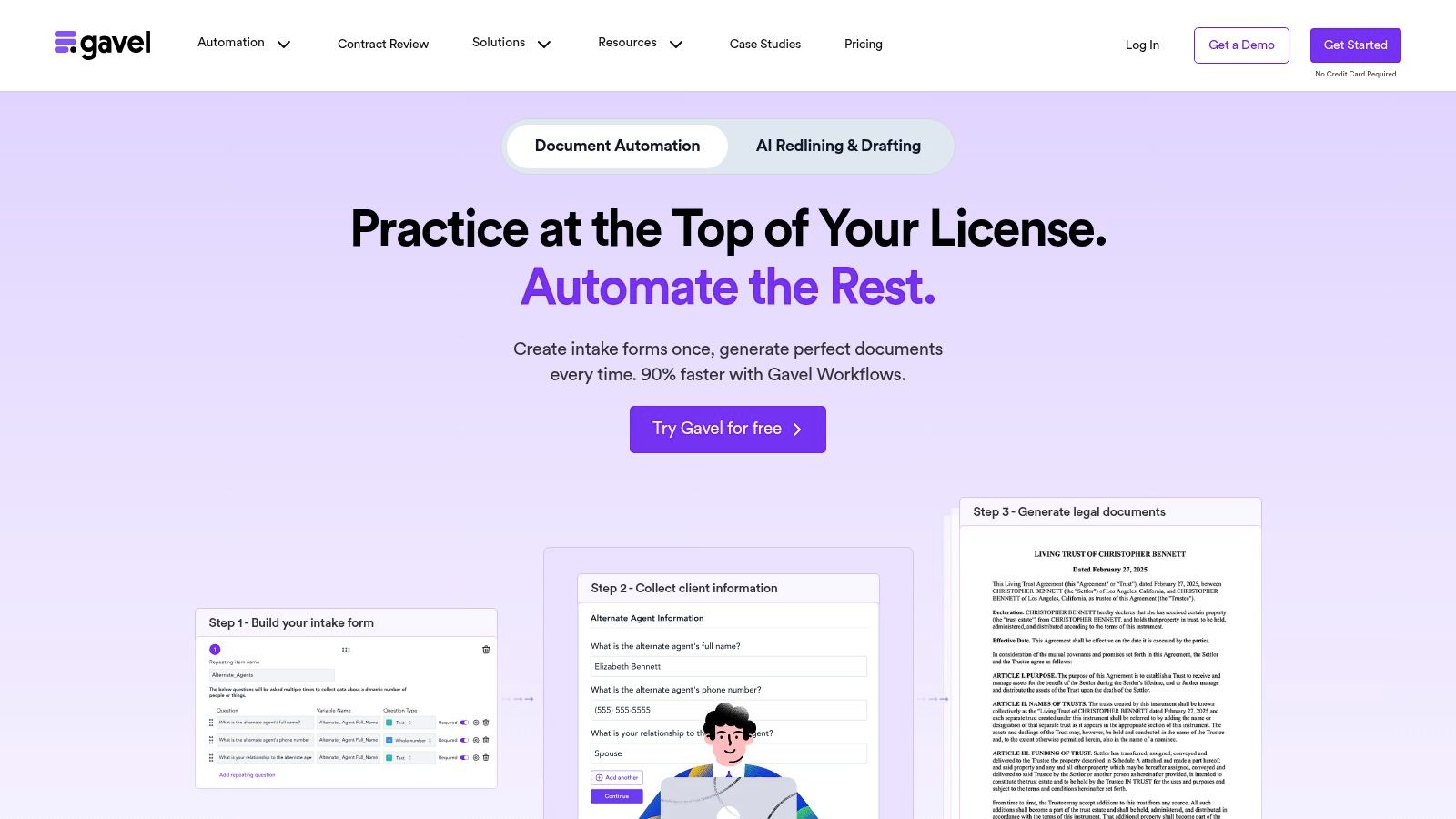
Best for: Firms that need sophisticated questionnaire-driven document automation or client-facing workflows.
Gavel Workflows supports Word and PDF automation, conditional logic, calculations, questionnaires, document sets, integrations, and embedded client-facing workflows. Its Blueprint functionality can also help convert existing documents into structured automation workflows for review.
Gavel fits especially well when the firm's logic and questionnaire determine the output, such as estate planning, family law, probate, real estate, or productized legal services. ProPlaintiff solves a different problem because PI case evidence, rather than a questionnaire alone, can drive the draft.
Best for: Litigation teams automating written discovery.
Briefpoint focuses specifically on the discovery lifecycle, including interrogatories, RFAs, RFPs, responses, objections, client response collection, and Bates-cited production packages. It also supports jurisdiction-ready formatting across state and federal courts.
That specialization is the point. A firm with a heavy written-discovery bottleneck may get more value from a focused workflow than from a general template system, while ProPlaintiff remains broader across PI documents and case management.
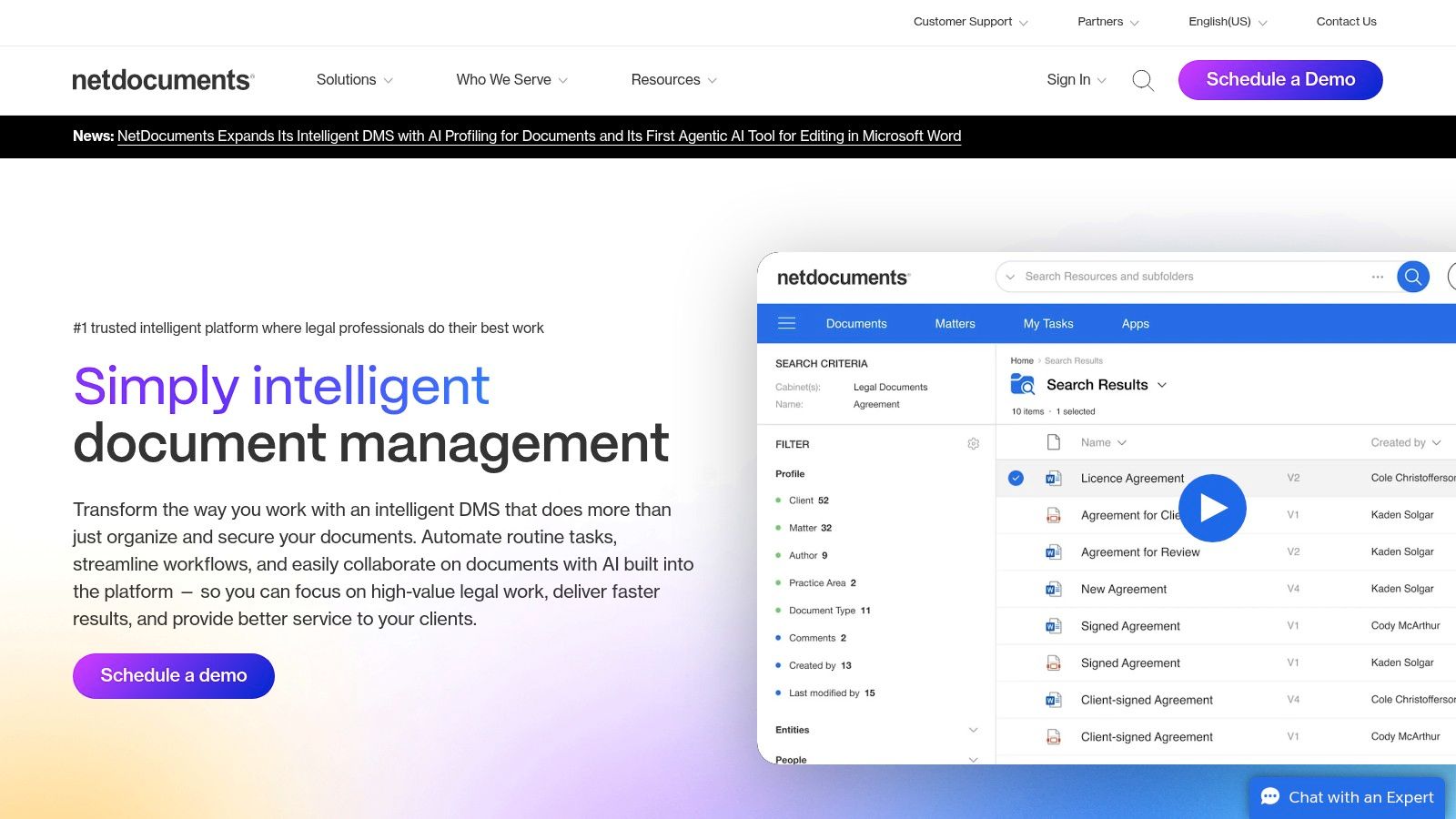
Best for: Firms already using NetDocuments that want governed AI and document automation inside the DMS.
PatternBuilder provides no-code document and workflow automation, while PatternBuilder MAX adds generative AI workflows that can draft from precedents, extract information, summarize documents, and run playbook-style processes. Because the automation lives inside NetDocuments, firms can keep document context and governance close to the DMS.
This model is especially relevant to mid-size and large firms that already depend on NetDocuments and want to build custom internal AI workflows without moving matter content into a separate drafting environment.
Best for: Firms needing complex, deterministic document assembly at scale.
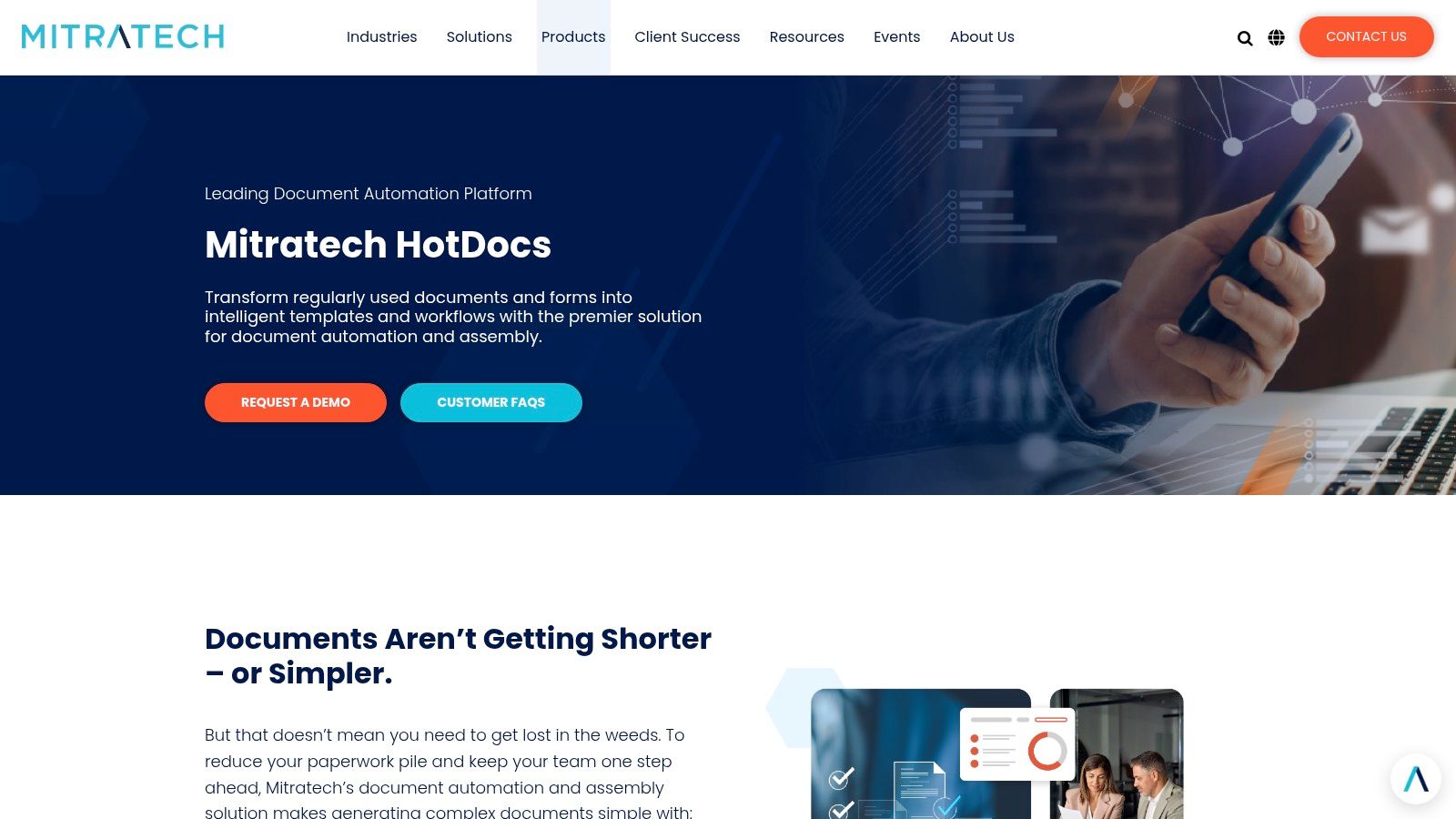
Mitratech HotDocs is built around master templates, business rules, conditional logic, clause libraries, questionnaires, approval workflows, and integrations with other systems. Its strength is deterministic complexity rather than free-form generative drafting.
That distinction matters when a document must follow precise logic every time. Estate plans, regulated forms, financial documents, or complex standardized agreements may benefit more from a mature assembly engine than from asking a generative model to improvise the structure.
Best for: Mid-size and enterprise firms needing sophisticated template automation within the Thomson Reuters ecosystem.
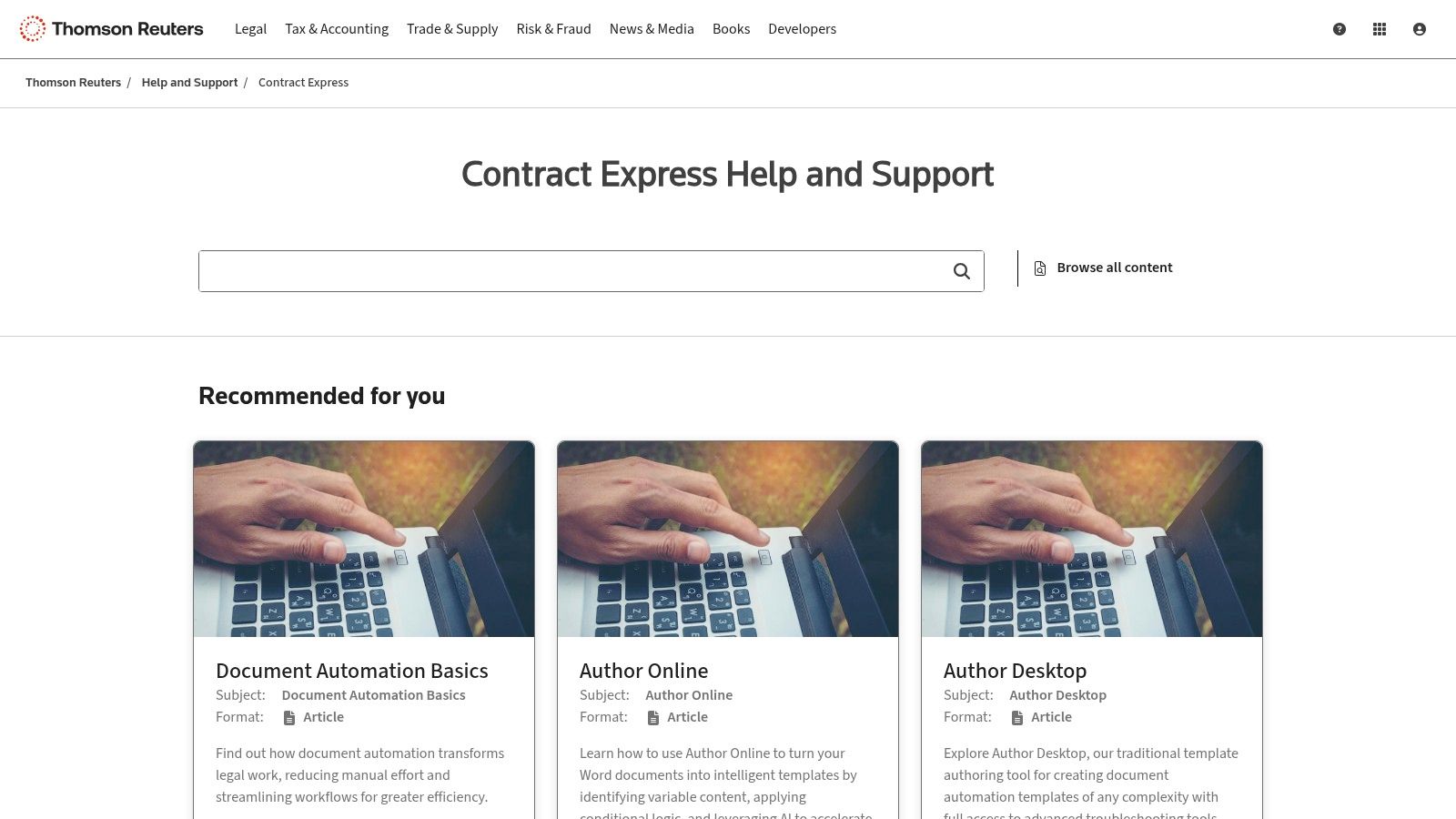
Contract Express combines questionnaires, template logic, document suites, approval workflows, Word integration, previews, and AI-assisted authoring. Thomson Reuters has continued adding AI features in 2026, including tools that help authors structure questionnaires and extract answers from source documents.
Its strongest fit is enterprise document automation where firms need governed templates, reusable logic, workflow, and content from the broader Thomson Reuters environment.
Best for: Solo and small/midsize firms that want routine document automation inside practice management.
MyCase Document Automation supports web-based drafting and Microsoft Word templates that merge information stored in MyCase. Woodpecker is no longer a separate product and has been incorporated into the MyCase environment.
That makes MyCase useful when the firm wants one system for case management, client communication, billing, and repeat document creation without adopting a separate enterprise document-assembly platform.
Plaintiff / PI: demands, medical chronologies, representation letters, authorizations, lien letters, pleadings, motions, discovery, mediation materials, and settlement documents.
Litigation: interrogatories, RFAs, RFPs, discovery responses, motions, pleadings, deposition summaries, and correspondence.
Transactional: NDAs, service agreements, employment agreements, operating agreements, contracts, and amendments.
Estate planning and family law: wills, trusts, powers of attorney, healthcare directives, petitions, disclosures, settlement agreements, and court forms.
The right platform depends on which of these documents the firm repeats often enough to justify building a reusable workflow.
Document automation creates the file. Document management controls what happens to the file after it exists. Some platforms combine both, but buyers should still evaluate the functions separately.
A legal AI assistant may answer questions, research, summarize, or draft one-off text after a prompt. Document automation creates a repeatable firm process around standard inputs, approved templates, rules, matter data, formatting, review, and storage.
That means a prompt creates an answer, while an automation creates a process the firm can reuse. A strong system may use an AI assistant inside that process without confusing the two categories.
This is more useful than asking which platform has the longest feature list because each product is built around a different source of truth for the document.
Start with the documents that consume the most staff time, then determine whether they are driven by fields, questionnaire answers, conditional clauses, source evidence, or some combination. From there, test whether the platform can use existing matter data, preserve the firm's templates and formatting, handle the required logic, make attorney review straightforward, and return factual AI-generated content to its sources where needed.
Also evaluate Word support, CMS or DMS integrations, who will maintain templates, security controls, and total cost. Implementation, template conversion, AI usage, per-document fees, support, and integrations can matter as much as the subscription itself.
Traditional automation requires the firm to define the document structure and logic in advance. AI adds the ability to extract facts from unstructured files, identify candidate fields, generate draft prose, summarize evidence, or help populate a template from case context.
The market is therefore moving from fill the template toward understand the matter, then build the document, although deterministic logic remains valuable where the output must follow exact rules. More AI is not automatically better automation.
AI-generated legal documents should be reviewed by a qualified legal professional before they are relied on, filed, sent, or used for substantive decisions. Review names, dates, parties, damages, quoted evidence, citations, jurisdiction-specific language, legal propositions, and requested relief.
Automation can reduce drafting and re-entry work, but it does not transfer professional responsibility to the software provider.
For PI and plaintiff firms, ProPlaintiff fits when the document should draw from medical records, liability facts, damages, parties, and other evidence already inside the case. Clio Draft is stronger for Clio-based templates and court forms, Gavel for questionnaire-heavy workflows, Briefpoint for discovery, PatternBuilder MAX for NetDocuments firms, HotDocs for deterministic complexity, Contract Express for enterprise template programs, and MyCase for smaller firms wanting routine document automation inside practice management.
The right choice depends on the workflow the firm repeats most often and how much of the required information already exists in the matter.
Turn case information your team already has into the documents it repeatedly needs. ProPlaintiff's DocGen combines matter data, firm templates, and case-aware AI so PI teams can move from case evidence to a reviewed first draft without reconstructing the same facts in a separate tool.
Explore ProPlaintiff's DocGen and Template Mirroring →
Book a demo using one of your firm's own documents →
The best fit depends on the document workflow. ProPlaintiff is built around PI case evidence, Clio Draft around forms and Word templates, Gavel around questionnaires, Briefpoint around discovery, and HotDocs or Contract Express around more complex structured automation.
Legal document automation uses templates, structured data, conditional logic, AI, or a combination of these technologies to generate repeatable legal documents without rebuilding every draft from scratch.
Yes. Modern legal AI can generate first drafts using matter data, source documents, prompts, templates, and firm precedents. Lawyers should still review the factual and legal content before use.
Document automation creates a repeatable workflow around templates and structured logic. AI drafting generates or transforms written content. Many modern systems combine the two, but they solve different parts of the drafting process.
Yes. Many platforms can populate templates from existing client and matter fields, while case-aware AI systems can also use unstructured documents and case evidence when the product supports that workflow.
Common examples include engagement letters, contracts, court forms, pleadings, discovery, demands, medical chronologies, settlement documents, authorizations, and client correspondence.
Yes. Clio Draft, MyCase, Gavel, Contract Express, HotDocs, and other document-automation products support workflows built around Microsoft Word templates or Word output.
PI firms should prioritize whether the platform can reuse actual case evidence, medical information, damages, parties, and liability facts rather than only populate generic fields. That is where ProPlaintiff's case-aware document-generation model differs from traditional template-only systems.



.svg)