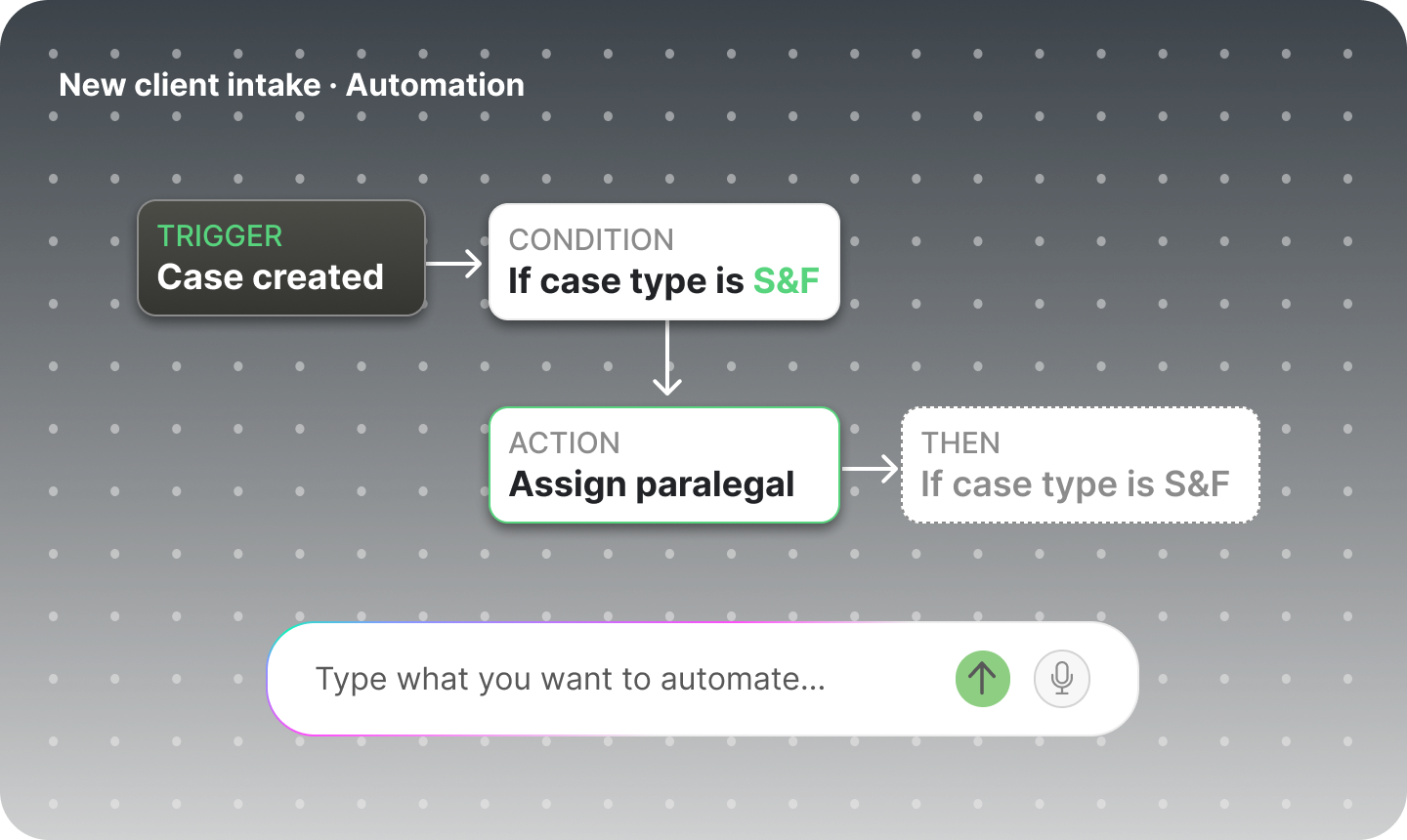
Describe what you want in plain language. Tiff builds the automation and runs it for you.
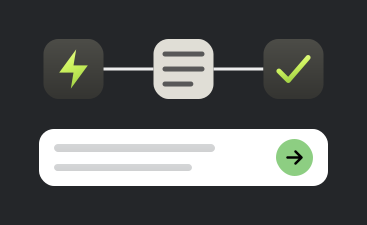




How It Works
Everything you need to know about Automations inside ProPlaintiff
Automations are AI-powered workflows that run automatically whenever specific events happen in a case, combining a trigger for when to run, tools for what the AI can access, and instructions for what it should do. Once configured, they handle repetitive legal and administrative work without anyone needing to activate it.
Automations can create and manage tasks, generate and analyze documents, conduct legal research, review medical records, summarize damages, send emails to clients or staff, update case information, manage contacts and calendar events, and review financial data like liens and referrals.
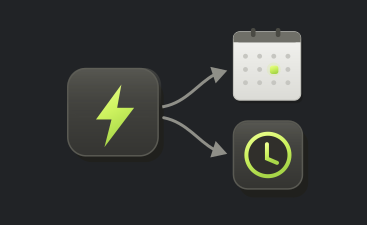
Three trigger types can be combined on a single automation: Case Created, best for administrative setup the moment a new matter opens; AI Created, for cases started through Ask Tiff that already carry intake context; and Case Files Uploaded, for document-driven work like medical record review or damage summaries. Combining triggers lets one automation respond to several moments across a case's lifecycle instead of just one.
Not automatically. Enabling "Apply to new cases by default" only affects cases created going forward. Any case that existed before the automation was set up must have the automation added manually through the case's Automations tab.
Yes. Using the Email tool, automations can send templated emails to the case client, the automation's creator, or both. Templates support dynamic variables such as client name, case number, and incident date, so every message is automatically populated with real case information.
You set its visibility when you build it: Private keeps it visible and editable only by you, Team (View Only) lets your team see it while only owners and admins can edit, and Team (Editable) opens it up to authorized team members as well. This lets your firm control who can tinker with a workflow once it's live.
Test any automation against an existing case before rolling it out broadly, and you'll be able to review the AI's activity, outputs, and generated documents step by step. Use that test run to refine your instructions and tool selections until the results match what you expect.




.png)
.png)
.png)
.png)