Personal Injury Firms

Stronger Personal Injury Cases in Less Time

ProPlaintiff.ai turns evidence into clear chronologies, case insights, and demand letters, with your legal team in control from intake through demand.

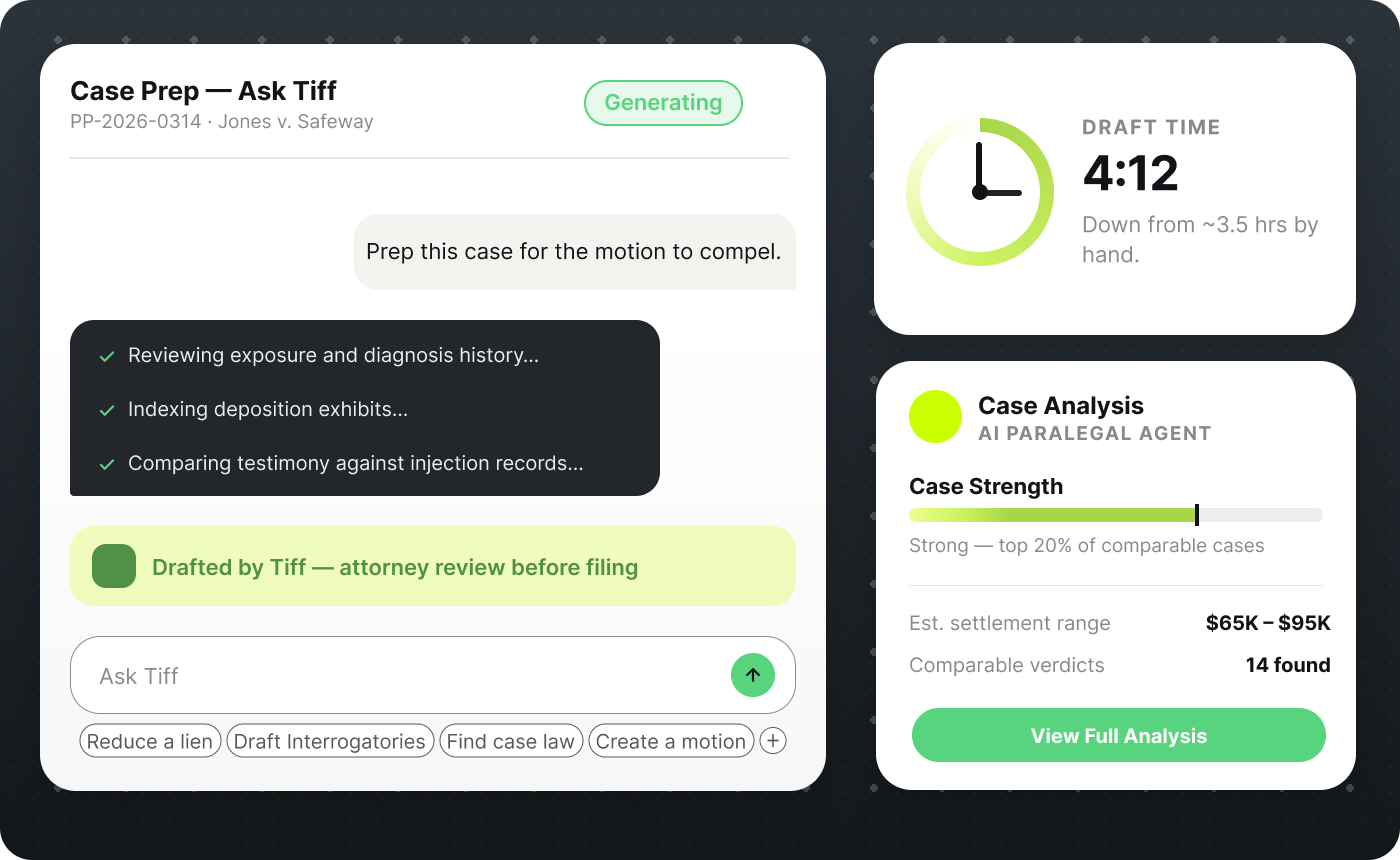
PLACEHOLDER - replace with PI hero product visual. Currently a demand-letter UI screenshot. See the prompt-box brief on the Figma spec sheet (Jordan Ellis motor vehicle collision case workspace).
Arrow

Built for the way PI cases actually move.

Organize the evidence, understand the injuries, and prepare a well-supported demand in less time.


PLACEHOLDER - replace with Figma node 0:1176 medical-chronology illustration
Medical Record Analysis
Review treatment records, identify diagnoses and procedures, and organize the claimant's medical history into a clear chronology.
PLACEHOLDER - replace with Figma node 0:1160 demand letter illustration
Demand Letter Drafting
Generate a demand letter grounded in case evidence, ready for your team to review and refine.
PLACEHOLDER - replace with Figma node 0:1194 case-management illustration
Case Intelligence
Use Ask Tiff to locate key facts, connect evidence across documents, and answer questions.

"It's not like other types of AI, like ChatGPT, we haven't seen any hallucinations. Everything is based on answers around case law, which is exactly what we're looking for."

PLACEHOLDER - replace with Garrett Boyd headshot (currently Patrick Hale stock photo)
Garrett Boyd
JDA Trials

How It Works

From Case File to Finished Draft in Minutes

1
Tell Tiff What You Need
Start a new chat, select the case, and describe the document you want to create.
2
Let Tiff Review the Case
Tiff reads the uploaded case file and pulls the relevant parties, dates, injuries, treatment, and damages.
3
Generate the Draft
Turn case information into a complete, formatted first draft based on your request.
4
Track the Case to Settlement
Automations flag follow-ups, deadlines, and next steps.

Built for Personal Injury Firms

One AI Platform for the Work Behind Every Case

Turn medical records into case documents faster than ever before.

01
Demand Letters
Generate detailed settlement demands grounded in the medical records, damages, and supporting case evidence.
02
Medical Chronologies
Organize providers, diagnoses, procedures, and treatment milestones into a clear medical timeline.
03
Ask Tiff
Ask questions about the case and quickly find relevant facts, dates, records, and supporting evidence.
04
All-In-One Case Manager
Keep documents, generated drafts, case insights, and conversations organized in one centralized workspace.
05
Document Generator
Create any document your firm needs, such as LOR, LOP, disclosure statements, pleadings, interrogatories and more.
06
Client Communication
Keep clients informed on case status with email automations, text messaging, and the Client Care App™️.

How ProPlaintiff.ai Supports Personal Injury Firms

Everything you need to know about running personal injury cases on ProPlaintiff.ai.

What other legal documents can a personal injury attorney create?

DocGen can assist with discovery requests, interrogatories, subpoenas, pleadings, legal memoranda, lien-reduction letters, and other case-specific documents. The attorney describes what is needed, reviews the generated draft, and exports it as an editable DOCX or PDF.

Can Tiff review audio and video evidence?

Yes. Tiff can transcribe and analyze materials such as body-camera footage, 911 calls, recorded statements, and depositions, making their contents searchable and easier to compare with the rest of the case file.

How can ProPlaintiff.ai support a case beyond document drafting?

Firms can use the platform to organize case documents, summarize evidence, track case activity, manage tasks and calendar events, and automate routine workflows. This gives attorneys, paralegals, and case managers one workspace for moving a matter from intake toward settlement.

Run Your Entire PI Practice on ProPlaintiff

See your first demand letter drafted in the demo.