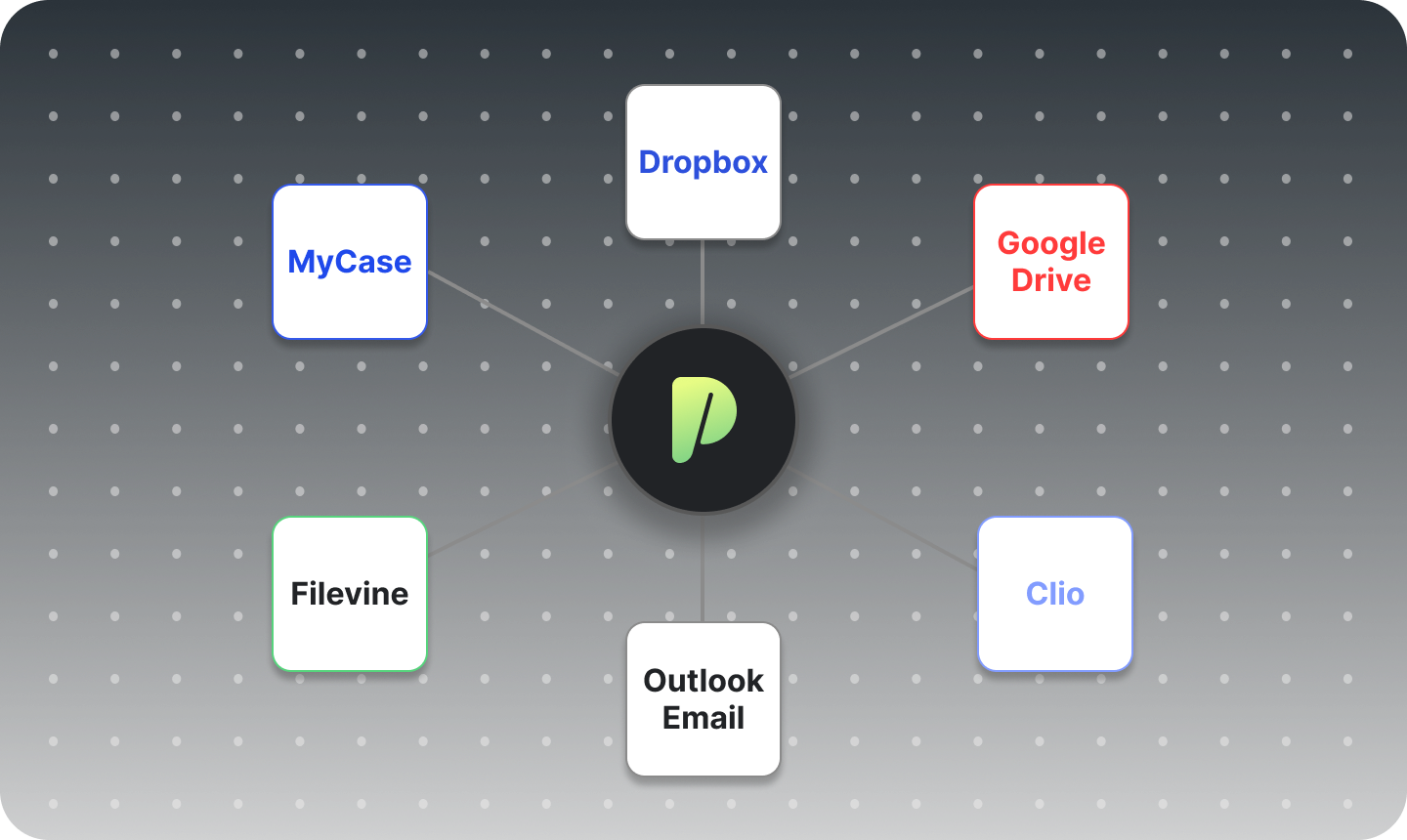
Connect your existing case manager and let ProPlaintiff do the rest.
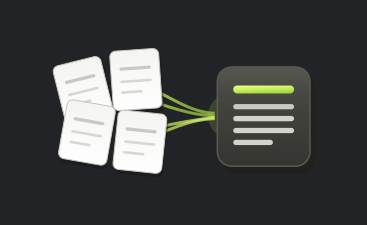

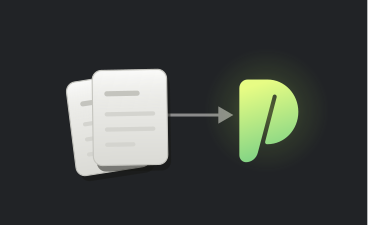

Integration Intelligence
Seamlessly migrate your existing cases from your current case manager into ProPlaintiff. More integration options coming soon.
How It Works
Everything you need to know about data migration in ProPlaintiff
ProPlaintiff.ai integrates directly with Filevine, Clio, and MyCase, with PracticePanther and CasePeer support currently in development. You can also connect Google Drive, OneDrive, and Dropbox for cloud file storage.
No. If your firm uses Filevine, MyCase, or Clio, you can import your existing matters directly into ProPlaintiff.ai instead of rebuilding them by hand. Once imported, those cases are immediately available for document generation, AI-assisted workflows, and full case management.
It depends on which platform you use. Filevine requires two-factor authentication (2FA) to be enabled on your account. MyCase requires an Advanced Tier subscription. You'll need to contact MyCase support to request API credentials before connecting. Clio requires you to create a Developer Application through the Clio Developer Portal to obtain your API credentials.
Yes, for Clio integrations, documents import automatically and land in a dedicated Clio Imports folder within Case Files so they're never mixed in with manually uploaded files. If you have questions about document import for Filevine or MyCase, our support team can walk you through it at cx@proplaintiff.ai.
Yes. You can keep working in both systems as you transition. Clio supports two-way syncing you can trigger anytime, Filevine lets you refresh to pull in new or updated matters, and MyCase imports run as a one-way migration.
You can disconnect any integration at any time from your ProPlaintiff.ai settings, and doing so stops future syncing immediately. Cases and documents you've already imported stay right where they are and aren't affected by the disconnection.
Our support team is available by chat or by emailing cx@proplaintiff.ai, and can walk you through setup for any supported platform step by step.
Archiving flags the matter as archived in ProPlaintiff.ai without deleting any of its data, and you can re-import it later if you need to reopen it. If a case shows as archived unexpectedly, check its status in Clio first, since archiving there can carry over during a sync.




.png)
.png)
.png)
.png)