Custom Prompts

Your Most-Used Prompts, One Click Away.

Create reusable AI requests that appear directly in Ask Tiff.

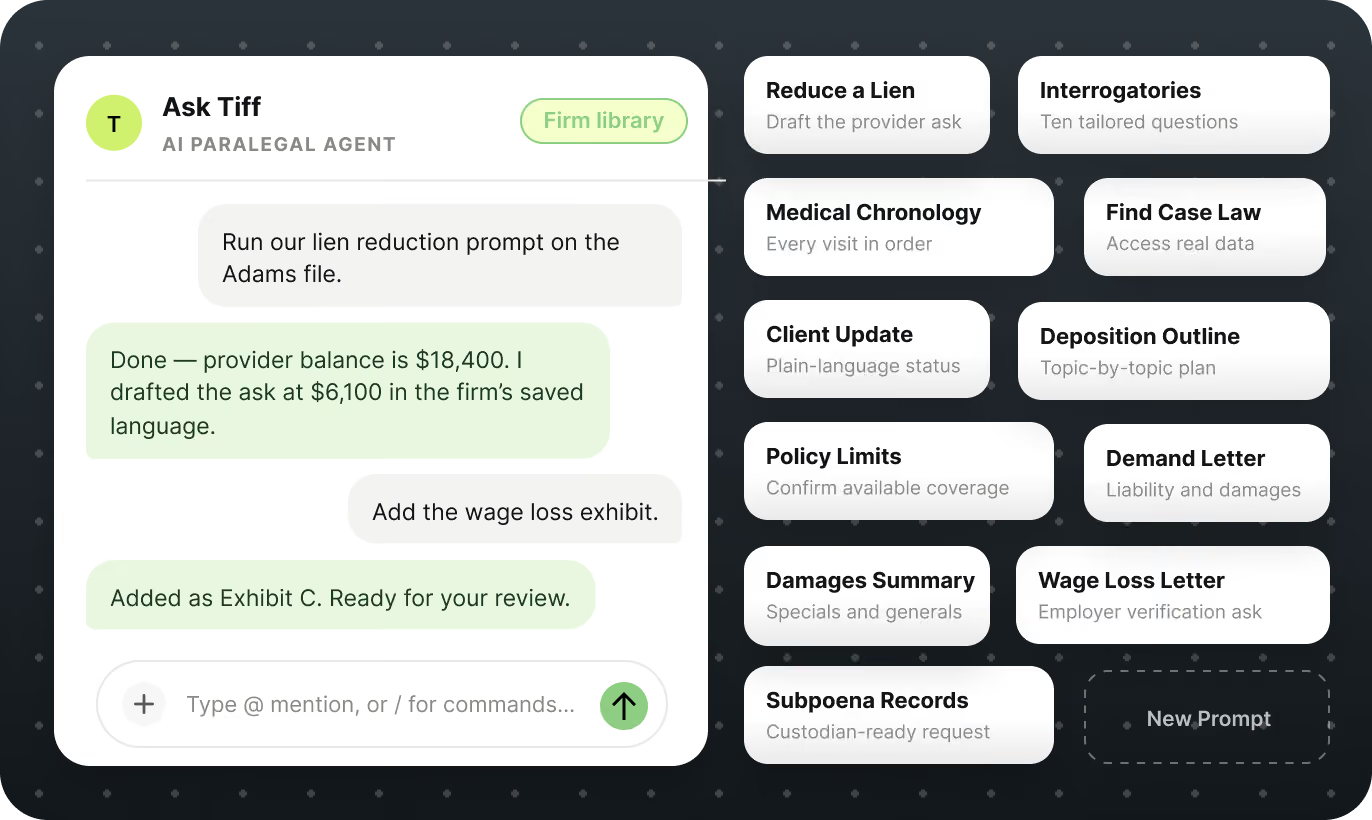
PLACEHOLDER - replace with Figma node 14:3766 Custom Prompts Header (Ask Tiff panel with 13 prompt cards)
Arrow

Quickly jump into conversation with Tiff

Reuse prompts for your most common tasks and share them with your entire team.
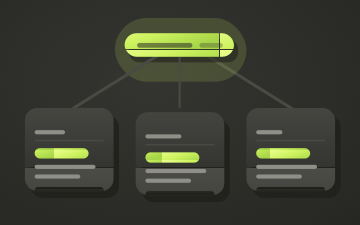
PLACEHOLDER - replace with Custom Prompts card illustration 1 (not yet exported)
Full Customization & Control
Name it, write the instructions, set the order. Edit, reorder, or remove prompts anytime.
PLACEHOLDER - replace with Custom Prompts card illustration 2 (not yet exported)
Firm-Wide Standardization
Consistent instructions mean consistent output, regardless of which team member runs the task.
PLACEHOLDER - replace with Custom Prompts card illustration 3 (not yet exported)
One-Click Prompt Chips
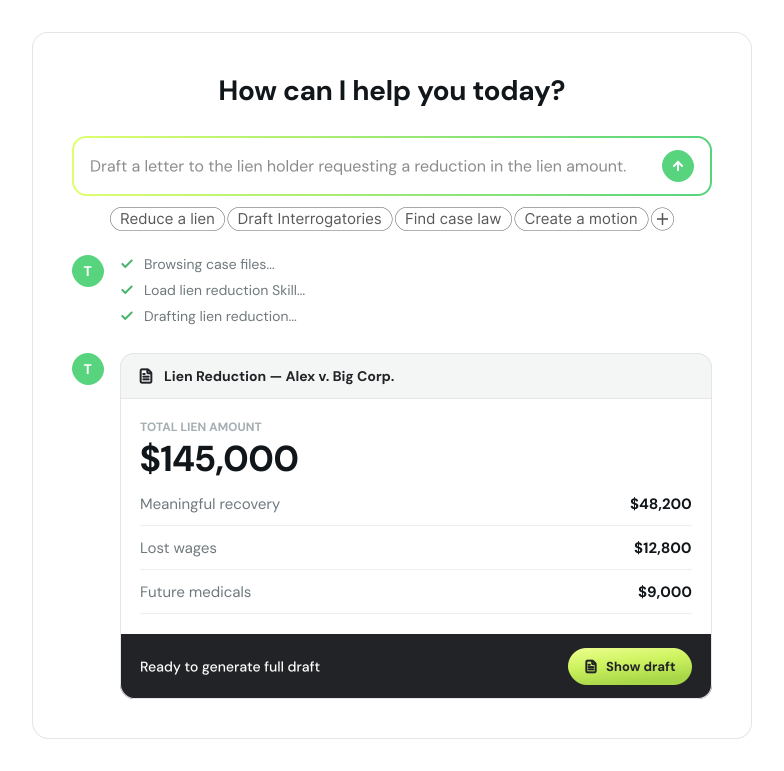
Custom prompts appear as clickable chips beneath the Ask Tiff chat field.

"We built custom prompts for our six most common workflows and shared them with the whole team. New paralegals are up to speed in a day instead of a week."

PLACEHOLDER - replace with Sarah Kim headshot
Sarah Kim
Office Manager, Summit PI Partners

Prompt Intelligence

Your Prompt Library

Set up prompts firm-wide that help your teams maintain consistent and reliable results.

Case Initiation & Client Setup

Retainer/Fee Agreement
Complaint/Petition
Summons

Discovery & Pretrial Motions

Interrogatories
Subpoena
Deposition Notices
Expert Witness Disclosure
Motion to Compel

Settlement, Trial & Post-Trial

Settlement Demand
Settlement Agreement
Trial Brief
Witness List
Jury Instructions
Notice of Appeal

Communications

Request for Admissions
Answer to Complaint
Proof of Service
Affidavit / Declaration
Request for Production of Documents
PLACEHOLDER - replace with Figma node 14:4016 supio-window (Ask Tiff chat mock: "How can I help you today?", lien-reduction prompt, 4 premade prompt pills, status list, Lien Reduction - Alex v. Big Corp. summary card)

How It Works

Prompting Made Easy

1
Open Paralegal Prompts
Go to Settings > Organization > Paralegal Prompts, or click the + button inside Ask Tiff.
2
Name Your Prompt
Give it a short chip label such as "Case Summary", "Arizona Case Law", "Perform Case Analysis", etc.
3
Write the Instructions
Enter plain-language instructions for what Tiff should do. Tip: ask Tiff to help you write the prompt.
4
Publish to Your Team
Save the prompt and it immediately appears for every user in your organization.

Custom Prompts FAQs

Everything you need to know about building and sharing custom Ask Tiff prompts.

Can custom prompts be used by my whole team?

Yes. Every prompt you create is automatically shared with all users in your organization. They appear beneath the Ask Tiff chat field for everyone - no separate setup required per user.

What are custom Ask Tiff prompts?

Custom prompts are reusable quick-action buttons that appear directly beneath the Ask Tiff chat composer. They let your team trigger common AI tasks (like generating a demand letter or summarizing medical records) with a single click, eliminating repetitive typing.

Can I edit or delete prompts after creating them?

Yes. From the Paralegal Prompts settings page, you can edit a prompt's chip label or instructions at any time by clicking the edit icon, or permanently remove a prompt by clicking the delete icon. Deleted prompts are removed from Ask Tiff immediately, and any edits take effect across the organization right away.

Standardize Your Conversations

Create your first custom prompt in 60 seconds.