
.webp)
.webp)
.webp)
.webp)

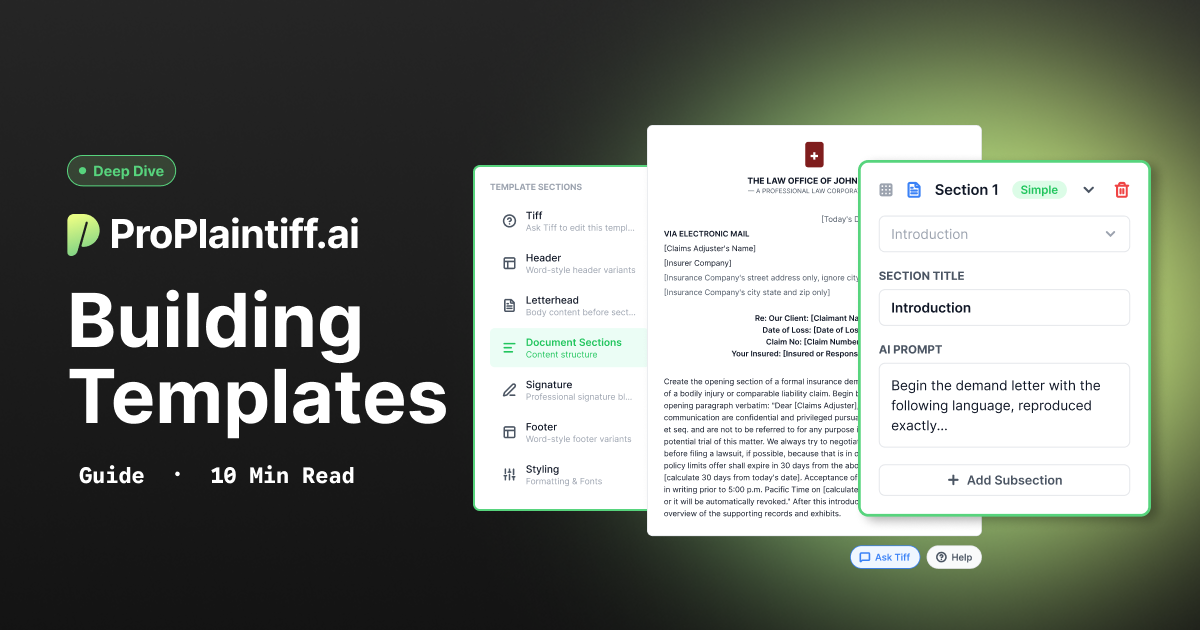
Your firm probably has a document that everyone comes back to. Maybe it's the opening paragraph a partner spent years refining, the way you walk through medical treatment, or a damages table that makes the numbers easy to follow. Those details are part of how your firm tells a client's story.
This guide walks through the approach our team uses to build templates for firms, with demand letter examples you can adapt to the document you want to template. Start with a document you already like, then work through it one section at a time.
Our team can help turn the documents you already use into templates in ProPlaintiff. Email sales@proplaintiff.ai with a sample document and let us know which wording or formatting you'd like to keep. If you'd rather build your own, the guide below walks you through it.
Mirror analyzes an existing document and builds a template from its structure, organization, and general approach. It's a helpful starting point because you already have a document that shows how your firm likes to write.
Once Mirror creates the draft, give it a read. It may paraphrase some of your wording along the way. For example, “claim number” might become “claim reference,” or your opening paragraph might be reworded.
This is a good time to decide what you'd like to keep exactly as written and what should change with each case. Your opening and closing may need only a few details filled in, while your liability argument will need more room to reflect the facts in the file.
With that distinction in mind, you can give each section the guidance it needs.
If your firm already has language it likes, include it in the template. Openings, closings, signature blocks, and required disclaimers are all good places to start.
For wording you want to preserve:
Use [brackets] for the details that change from case to case. This gives Tiff a clear place to insert information from the file while keeping the surrounding language consistent.
Common variables include:
Here's how those pieces come together in an introduction:
Section title: Introduction
Begin the demand letter with the following language, reproduced exactly:
"Dear [Claims Adjuster], This law firm represents [Client Name] regarding [Description of Accident] occurring on [Date of Loss] at [Location of Accident]. We are attempting to settle this matter before filing suit. We are requesting [Demand Amount] as full settlement of any and all claims [Client Name] may have against [At-Fault Party]. Please respond by [Calculate 30 days from today's date]."
Then briefly summarize the primary injuries and transition into the damages section.
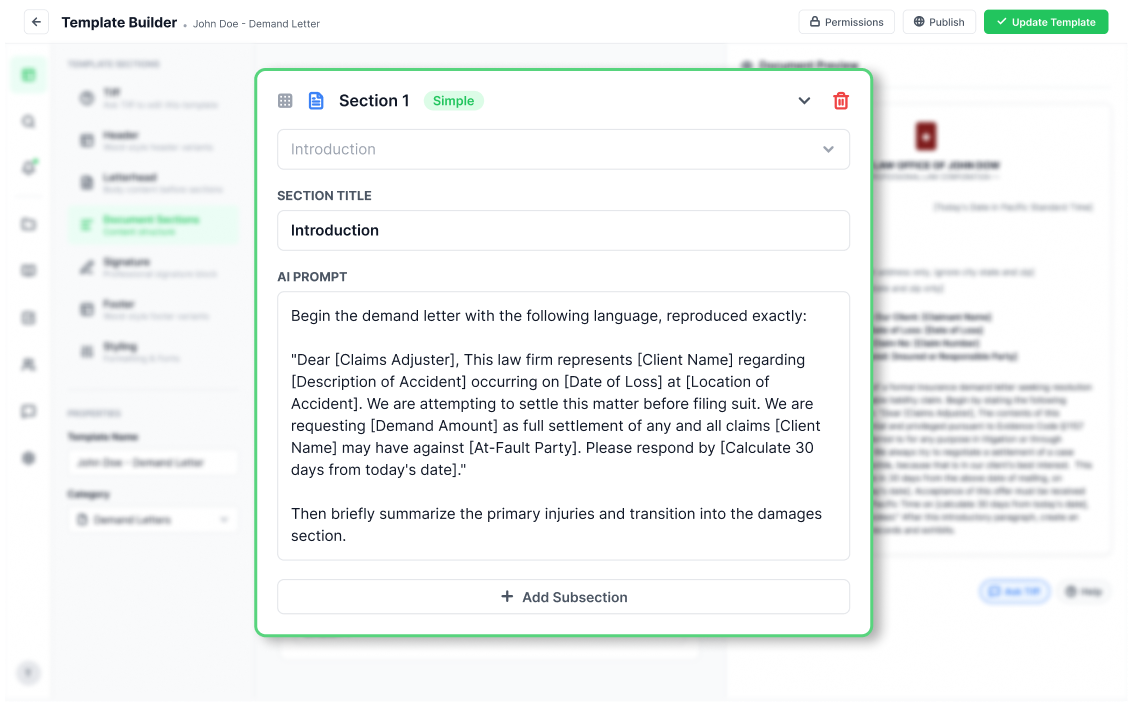
Brackets can hold a short instruction, too. In this example, [Calculate 30 days from today's date] tells Tiff how to work out the response deadline for each letter. Check that date as part of your review, especially if you send the letter later.
Sections like liability need to reflect the individual case. This is where you can tell Tiff what to cover, which sources to use, and how much detail you're looking for.
Think about the guidance you'd give a colleague drafting that section for the first time. A simple prompt like, “write liability statement” leaves a lot more room for interpretation. A more specific instruction provides a clearer starting point.
Vague: “Write liability statement.”
Clear: “Analyze liability using the police report, witness statements, and client intake. Explain why [At-Fault Party] is at fault and give your reasoning. Only use facts found in the case file. Keep this section under 300 words.”
That instruction tells Tiff where to look, what to explain, and when to stop. You can use the same approach for other sections that need fresh writing from the case file.
A length limit is especially helpful if your team prefers concise letters. It gives Tiff a target and helps keep the level of detail more consistent across cases.
Once you've covered the wording and case-specific sections, a few extra instructions can make the draft easier to review and use.
Start with a sample document your team writes most often, then build separate templates as you need them. Third-Party MVA, UM/UIM, Slip-and-Fall, Premises Liability, and Policy Limits demands may each need different language or instructions. A template built for the task gives you less to adjust later.
Give Tiff a clear instruction for gaps in the file. For example:
“If the requested information cannot be located in the case file, omit the statement rather than supplying an unsupported fact.”
During review, check for anything that's missing as well as anything that needs correcting. You may need to add records or fill in a detail before the letter is ready to send.
If your firm has a preferred format, use the template building blocks. Include headings, letterhead, document sections, signature, footer, and styling. Within the document sections, you can get more specific with what makes this document unique.
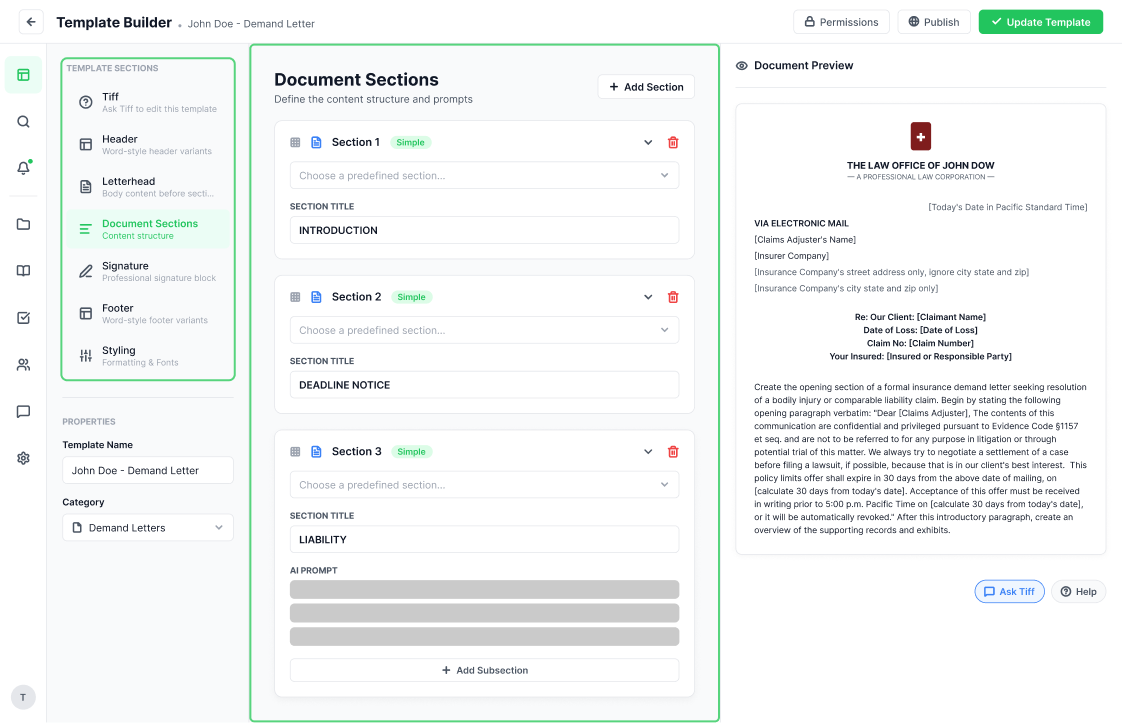
For a damages table, for example, name the columns you want and say whether to include a total. The more clearly you describe the layout, the less formatting cleanup you'll need afterward.
If you want source citations, describe the format. You might ask for the document name and page number, abbreviated filenames when they're longer than three words, and italicized citations.
Using the same style throughout makes it easier for your team to find the source behind a statement and check it during review.
Before making the template part of your regular workflow, run it on a familiar case. Compare the draft with a letter you'd be comfortable sending, paying attention to the wording, facts, organization, and formatting.
If something needs adjusting, return to the instruction for that section. For a paragraph that was reworded, make the request for exact wording clearer. If a section runs too long, add a length limit. For a table that's missing something, specify its columns and totals.
Work through those adjustments and try the template again. You don't have to get every instruction right on the first pass. Each round gives you a better sense of what your template needs.
Every draft still goes through attorney review before it leaves the firm. The goal is to give your team a stronger starting point, with more of your firm's preferences already built in.
Choose a document you use often, run it through Mirror, and refine it section by section. Keep the wording you trust, mark the details that change, and give the rest clear instructions about sources, length, and format.
Once you've tested it, you'll have a useful foundation for the next template your team needs.
If you'd like help getting your template set up, our team can build it around a sample document from your firm. Send us the document you want to match and point out any wording or formatting you'd like to preserve.
Template Build — $50 per template. We'll build and test the template in your account so it's ready for your next case.
Request a Template Build
Enhanced Tech Support — $100 per month. If your team needs ongoing help, this includes unlimited template builds plus hands-on support with integrations and automation setup.
Ask About Enhanced Tech Support
Questions first? Email sales@ProPlaintiff.ai and we'll walk you through it.




.svg)