
.webp)
.webp)
.webp)
.webp)


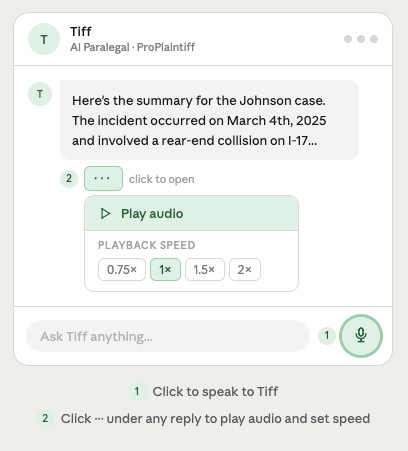
Tiff, ProPlaintiff's AI paralegal, just got a lot more conversational.
You can now speak to Tiff directly through your computer microphone instead of typing. Ask about a case, request a document, pull up a deadline; all by your voice.
Tiff can also now read back documents to you. Control playback speed to slow down the reading or speed through it.
To use it, click the microphone icon in the Tiff chat window. Grant mic access when prompted, and you're good to go.
Your firm has a dedicated template library now, and it keeps getting better.
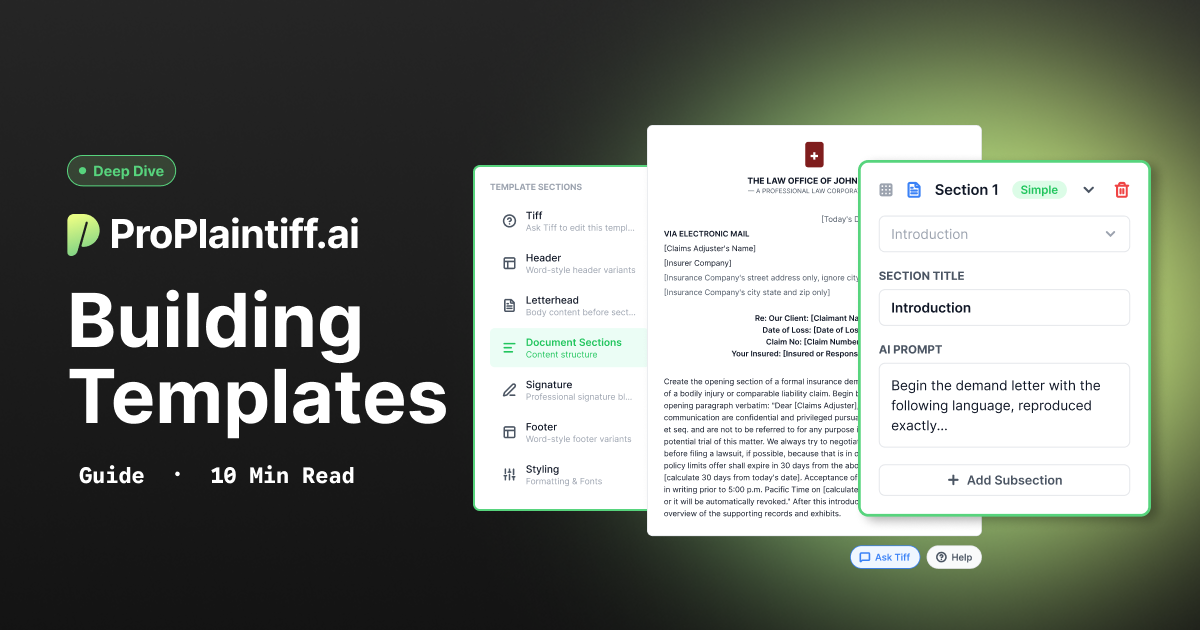
The ProPlaintiff Library is a curated collection of legal document templates built specifically for personal injury law.
Templates for demand letters, client intake forms, medical records requests, and more are available directly inside your account. The library is updated regularly, so you always have access to current, practice-ready starting points without building everything from scratch.
Your firm's own custom templates live in a separate section, so there's no confusion between what ProPlaintiff provides and what your team has built.
Want to see how it works? We put together a full walkthrough on YouTube. Watch it here: ProPlaintiff Template Library Walkthrough
No more waiting for a client to check their email, send text reminders directly to their phone.
The next feature coming to ProPlaintiff is the ability to text clients directly from inside the platform via the Client Care app. No switching to your phone, no copying numbers, no context switching.Reach clients where they actually respond, right from the same tool you're already working in.
More details coming soon.
Tiff's voice mode and the Template Library are both live in your account today. Log in, open Tiff, and start talking.
ProPlaintiff gives PI attorneys AI-powered case management, document drafting, and client tools in one platform. See it live.



.svg)