Where tools like Claude save law firms serious time, where general-purpose AI starts creating risk, and a live build of a PI case file and demand letter.
Most law firms are using AI in the wrong places.
Jason Turnquist and Kristopher Rezagholi break down where tools like Claude can save law firms serious time, where general-purpose AI starts creating risk, and when legal work belongs inside a purpose-built AI platform.
Kris, a practicing personal injury attorney with 20 years of experience, also builds a real case file and demand letter live from start to finish.
What you will take away
- How to get started with Claude inside your firm
- Eight practical ways law firms can use AI internally
- The four-part prompt structure: role, context, format, iterate
- How scheduled tasks can automate recurring work
- Important considerations around confidentiality and client data
- When to use general-purpose AI versus purpose-built legal AI
- How AI can take a PI case from intake to demand letter
Chapters
- 0:00 Welcome
- 0:55 Agenda and who is presenting
- 1:56 What Claude actually is
- 3:08 Getting set up: plan, desktop app, connectors
- 4:42 Where to use it, and where the gaps are
- 6:02 Eight ways firms use it internally
- 7:32 The four parts of a prompt that works
- 9:29 Worked example: a 5-day paralegal onboarding plan
- 12:11 Projects: giving Claude a memory
- 15:20 Scheduled tasks and the 7am inbox briefing
- 18:50 Claude Design and design systems
- 23:24 Searching across Slack, email and calendar
- 24:51 It will cite case law that does not exist
- 25:47 Confidentiality and client data
- 26:29 HIPAA and medical records
- 27:23 ProPlaintiff.ai: an AI-native legal operating system
- 30:35 Live demo: intake form to demand letter
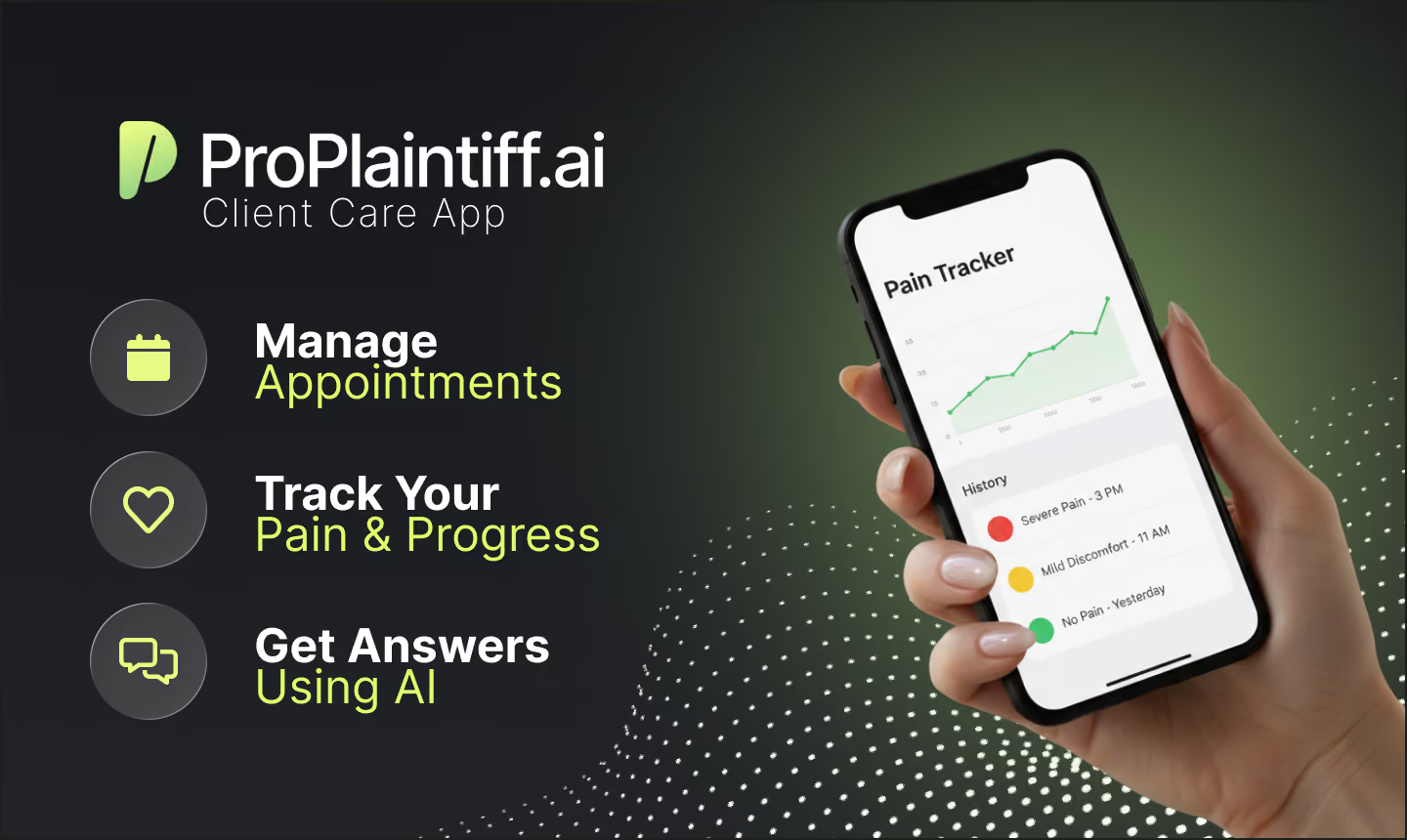
- 38:20 Client texting and the client care app
- 39:42 How your data is handled
- 40:19 Free trial and booking a demo
- 40:59 Q&A: templates and Mirror
- 41:43 Closing
Resources