.webp)
.webp)
.webp)
.webp)

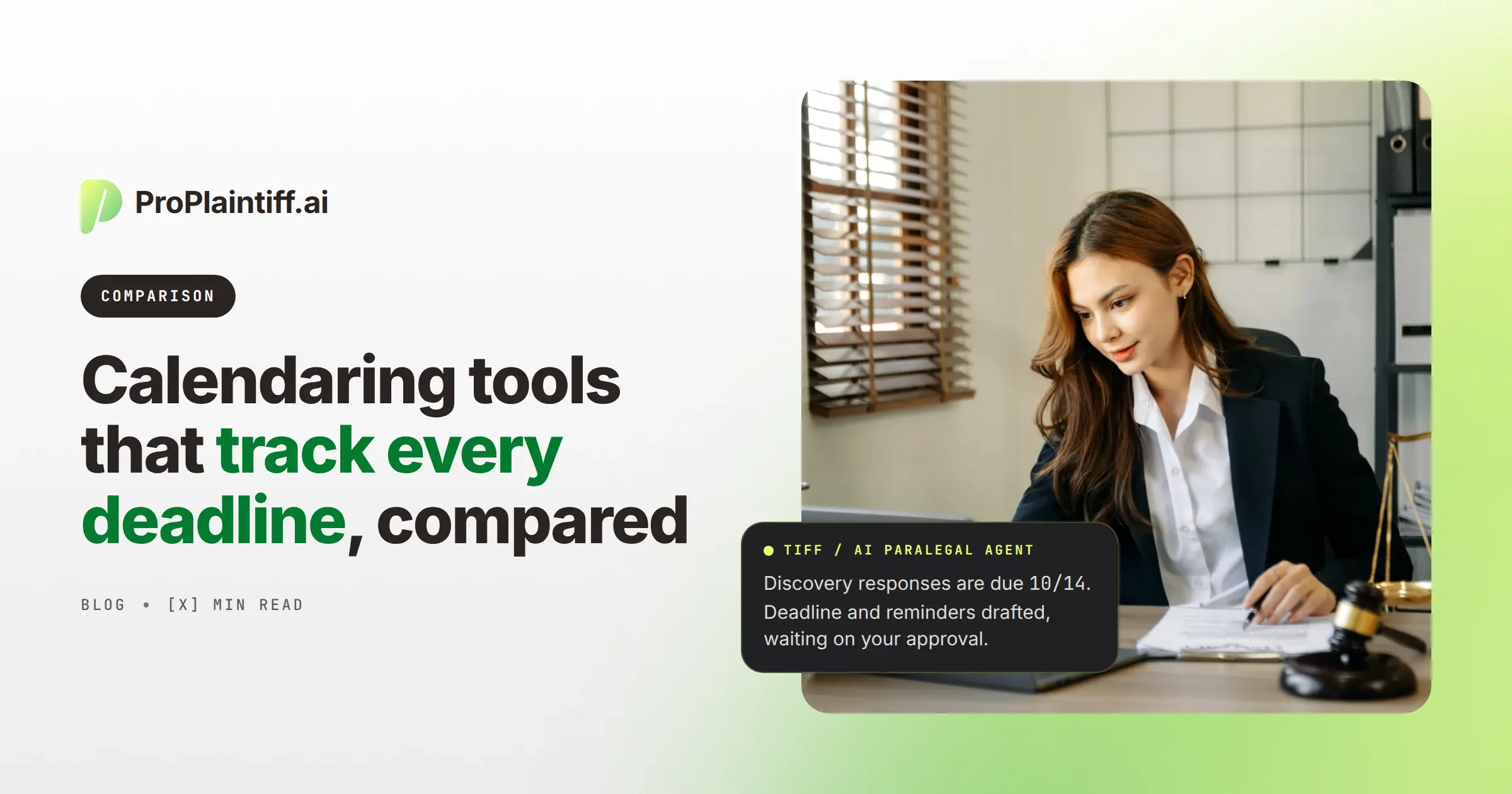
Most law firms already have a shared calendar, but storing a date is only the first part of deadline management. Staff still need to know whether the date came from the correct trigger, whether related deadlines should move when that trigger changes, and whether the work starts early enough to avoid a last-minute scramble.
Legal calendaring software handles those jobs in different ways. Some tools apply maintained court rules, while others extract dates from orders and filings or connect deadlines to tasks and case workflows. A PI firm that mainly needs statute-of-limitations tracking therefore has a different requirement from a litigation team managing chains of discovery, motion, and trial deadlines.
This guide compares ProPlaintiff, LawToolBox, CalendarRules, Clio, Filevine, SmartAdvocate, CASEpeer, and PracticePanther across deadline calculation, AI extraction, calendar integration, and case-management workflow. Use the comparison to identify whether your firm needs stronger rules coverage, better date extraction, or a better way to turn deadlines into assigned work.
LawToolBox and CalendarRules concentrate on court-rule calculations, while Filevine, SmartAdvocate, CASEpeer, Clio, and ProPlaintiff keep deadlines closer to matter management and staff workflows. If staff are still counting procedural days by hand, test rules coverage and recalculation first. If the dates are already reliable but preparation starts late, test whether the software creates tasks, escalates unfinished work, and keeps the source document tied to the deadline.
Platform | Best For | Rules-Based Deadlines | PI Case Management | AI Deadline Features | Calendar Integration |
ProPlaintiff.ai | PI firms connecting deadlines to case operations | SOL-focused / case-driven | High | High | Outlook |
LawToolBox | Dedicated court-rules calculation | High | No | High | Microsoft 365 and legal integrations |
CalendarRules | Broad specialist rules coverage | High | No | Rules-focused | Legal-platform integrations |
Clio | Broad legal practice management | High | Medium | High | Native legal calendar ecosystem |
Filevine | Litigation and PI workflow management | High through Timely | High | High | Outlook / Google |
SmartAdvocate | Configurable PI deadline workflows | Configurable / case-driven | High | Medium-High | Outlook |
CASEpeer | Small and midsize PI firms | Case-driven / integration-supported | High | Medium | Outlook, Google, iCal |
PracticePanther | General practice management with specialist rules integration | Via LawToolBox | Medium | Medium | Multiple calendars |
Verify jurisdiction coverage before purchase, especially when the software will calculate controlling deadlines rather than simply store them.
Legal calendaring software tracks matter-specific events and critical dates, including court appearances, filing deadlines, statutes of limitations, depositions, discovery dates, and internal milestones. More advanced systems can calculate related dates from court rules or case events, then create reminders or workflow actions around the resulting deadlines.
Outlook can store "motion due June 14," but it won't calculate that date from a triggering event or procedural rule. A rules-based platform can, and if the trigger changes, a linked deadline chain can recalculate supported dependent dates instead of making staff hunt through the calendar and edit them one by one. Firms that only need shared scheduling may be fine with a standard calendar, while firms calculating procedural deadlines should test a maintained rules engine.
Calendar management, rules calculation, AI extraction, and workflow automation can sit in the same platform, but they don't do the same job. A firm can have excellent reminders and still rely on staff to calculate the underlying date, while another can calculate deadlines accurately but leave the preparation work disconnected. Check each layer separately so the software matches the risk you're actually trying to control.
Capability | What It Does |
Calendar management | Stores events, hearings, meetings, and deadlines |
Deadline reminders | Alerts staff before an existing date |
Rules-based calculation | Applies supported procedural rules to a triggering event |
Deadline chains | Generates linked dates from one trigger |
AI extraction | Identifies possible dates or events in documents |
AI calendar assistant | Creates or updates events from natural-language instructions |
Workflow automation | Creates tasks, escalations, or other actions around the deadline |
A reminder tells the team about a date someone already entered. Deadline automation helps determine what the date should be, while workflow automation determines what the team needs to do because that date exists.
Automated deadline tracking works best when staff can see the triggering event, the rule or logic applied, the resulting date, and the work created from it. That chain gives reviewers something concrete to check, and when an input changes, staff can correct the source instead of treating every calendar entry as an unrelated date.
The process starts with a fact that creates or affects a deadline, such as service of a complaint, a discovery request, a scheduling order, or a trial setting. PI firms may also start from case facts such as the date of loss when tracking a statute of limitations.
Rules-based products use the selected jurisdiction, court, ruleset, service method, and supported holiday logic to calculate what follows. Because the calculation depends on the correct trigger and ruleset, attorneys or trained staff should confirm those inputs before accepting the dates.
One trial date can affect expert disclosures, discovery cutoffs, motion deadlines, and pretrial submissions. LawToolBox, for example, calculates related deadlines after the user selects the jurisdiction, ruleset, and trigger, which reduces the amount of manual counting staff would otherwise perform. LawToolBox explains that calculated events can be reviewed before they're added to the calendar.
Once approved, the dates should be visible to the people responsible for the matter. The useful systems keep the event tied to the case so the attorney can move from the deadline to the relevant order, filing, task, or document without searching another system.
A deadline should create the preparation needed to meet it. For example, a discovery-response deadline can create drafting and client-information tasks several days earlier, then escalate the matter if those tasks remain incomplete. Test this sequence during the demo because a system that only sends a reminder may still leave staff coordinating the actual work manually.
Best for: PI firms that want deadlines connected to case management, tasks, documents, and AI-assisted workflow.
ProPlaintiff's AI Calendar & Deadlines calculates statutes of limitations from case information such as state, case type, and discovery date, while its broader case manager connects deadlines with tasks and attorney-review queues. That makes it useful when the problem isn't only knowing the date, but making sure the preparation around it starts on time. Attorneys should still verify controlling dates, especially when tolling, unusual parties, or case-specific orders may change the result.
Best for: Firms prioritizing dedicated court-rules calculation and Microsoft 365 workflows.
LawToolBox focuses on rules-based deadlines and AI-assisted date extraction, so users can choose a jurisdiction and trigger, calculate related dates, review them, and then sync approved events into connected calendars. LawToolBox confirms that calculated events can be reviewed before they're added to the calendar, which is useful when the firm wants automation without giving up a review checkpoint.
Best for: Litigation teams that need a specialist rules library.
CalendarRules reports coverage of approximately 2,500 jurisdictions across U.S. and Canadian courts. Because rules coverage is the core product, firms should test the exact courts and triggers they use rather than relying on a broad nationwide-coverage claim.
Best for: Firms that want court rules inside broad practice management.
Clio can create matter-based events from court rules and describes support for automated deadline creation across hundreds of U.S. courts. That reduces context switching, although PI-only firms should still compare plaintiff-specific medical, settlement, and workflow depth separately.
Best for: PI and litigation firms that want case management plus rules-based deadline chains.
Filevine combines case management with Timely, which generates related deadlines from a jurisdiction and trigger and can sync them to Filevine, Outlook, or Google Calendar, while AIFields can extract dates from court documents. Because extraction and rules calculation solve different parts of the process, Filevine's product terms require users to review applicable rules and exercise professional judgment. Firms should therefore keep verification between the extracted or calculated date and the final calendar entry.
Best for: PI firms that want configurable deadlines and workflow procedures in the same system.
SmartAdvocate connects critical deadlines with Outlook and uses WorkPlans and Automated Procedures to create tasks, reminders, communications, and documents as case events change. Its own terms emphasize verification of preloaded statutes and rules, so firms should define who reviews dates and how corrections are documented.
Best for: Small and midsize PI firms that want straightforward plaintiff-specific deadline management.
CASEpeer offers an event calculator, litigation event plans, statute reminders, and calendar sync with Outlook, Google, and iCal. It also supports CalendarRules integration, so an existing CASEpeer firm may be able to strengthen rules calculation without changing its core case-management platform.
Best for: General-practice firms that want practice management with LawToolBox court rules.
PracticePanther lets users select a ruleset and trigger, import calculated dates, assign events, and update related deadlines when the trigger changes. The setup is useful when the firm wants its general CMS to remain the system of record while a specialist engine handles court-rule calculations.
PI firms need to track both legal deadlines and internal milestones because a correct filing date doesn't prevent a pre-litigation case from stalling. The dashboard should therefore separate dates that arise from law or court orders from dates the firm sets to keep work moving.
Deadline / Event | Why It Matters |
Statute of limitations | Controls the filing window, subject to applicable law and exceptions |
Government claim deadline | May create an earlier pre-suit requirement |
Complaint filing / service | Starts litigation obligations |
Discovery responses | Controls response timing |
Expert disclosures | Affects expert preparation and admissibility issues |
Motion deadlines | Controls briefing and hearing preparation |
Mediation / trial | Drives preparation and dependent dates |
Medical examination | Coordinates client and litigation preparation |
Records follow-up | Prevents evidence collection from stalling |
Demand target date | Keeps pre-litigation cases moving after treatment and records are ready |
Assign each date an owner and source so staff can distinguish statutory deadlines, court-calculated dates, and internal targets before deciding how much review they require.
Rules-based legal calendaring calculates deadlines by applying maintained procedural or court rules to a triggering event. The user selects the relevant jurisdiction, ruleset, and trigger, then the software calculates supported dependent dates while accounting for factors such as weekends, holidays, or service methods where the rules engine supports them. Staff should review the generated dates before treating them as controlling deadlines.
AI deadline tracking reads unstructured case material and identifies dates or events that may need to become calendar entries. For example, an AI system may read a scheduling order and identify a November 18 trial date, while a rules engine uses that trial date to calculate expert and discovery deadlines.
Those steps are complementary because AI is useful for finding the trigger while rules software is designed to apply structured procedural logic. During a demo, upload a real redacted order and ask the vendor to show both what the AI extracts and how any dependent deadlines are calculated and approved.
AI can assist with deadline identification and some calculations, but a language model shouldn't be the sole authority for a controlling legal deadline. The answer may depend on jurisdiction, rule version, service method, local rules, judge-specific orders, tolling, statutory exceptions, and case facts that a general model doesn't reliably resolve on its own.
Use AI to surface dates, route them for review, and initiate workflow. Use maintained rules engines where deterministic rule calculation is supported, and require attorney or trained-staff verification for dates that affect legal rights or filing obligations.
Statute-of-limitations tracking usually begins with case facts such as the incident date, jurisdiction, claim type, discovery date, and defendant type. Court-rules calendaring usually begins after litigation events such as filing, service, discovery, or a trial setting.
A PI firm may therefore need both. ProPlaintiff emphasizes case-driven SOL calculation, while specialist systems such as LawToolBox and CalendarRules emphasize broad procedural rulesets. Map your deadline categories before buying so the firm doesn't assume one calculation model covers every date it tracks.
Deadlines often depend on one another. If a trial date changes, expert disclosures, discovery cutoffs, motion deadlines, and pretrial submissions may also need to change.
When those dates were entered independently, staff must find and update each one, which increases the chance that an old date survives somewhere in the calendar. Deadline chains preserve the trigger relationship so supported dependent dates can be recalculated together. After recalculation, review the chain against the amended order because case-specific instructions can override default rules.
A calendar can correctly show that discovery responses are due Friday while the case is still unprepared on Thursday. Someone still has to review the requests, gather client information, locate records, draft responses, resolve objections, and obtain attorney approval.
Deadline management therefore extends beyond calculation: identify → calculate → calendar → assign → prepare → review → complete. ProPlaintiff's broader AI case management approach is relevant here because deadlines can sit beside the tasks, files, and attorney-review queue that determine whether the work actually gets finished. When testing software, follow one deadline from the source document through completion rather than stopping when the date appears on the calendar.
Dedicated deadline software usually offers deeper rules coverage and specialized maintenance, while case-management calendars keep dates closer to tasks, documents, and matter ownership. Neither architecture is automatically stronger because the better fit depends on the firm's procedural complexity and operating model.
Choose specialist software when court-rules depth, multi-jurisdiction litigation, or centralized docketing is the primary risk. Choose integrated case management when deadlines need to drive PI-specific tasks and case activity. If the firm needs both, connect the specialist rules engine to the case-management system and document which platform is authoritative for each type of date.
Evaluate the system against the deadlines your firm actually handles, then test exceptions instead of only the clean demo path.
Use one representative litigation matter during the demo so the answers describe actual behavior rather than sales terminology.
The best fit depends on which deadline problem is costing the firm time or creating risk. LawToolBox is built around dedicated rules calculation, while CalendarRules emphasizes specialist rules coverage. Clio and PracticePanther combine calendaring with broader practice management, Filevine connects deadline chains to litigation workflows, and SmartAdvocate and CASEpeer keep deadline management inside PI-oriented case operations.
ProPlaintiff.ai belongs on the shortlist when a PI firm wants deadlines to influence the work around the case, not only appear on a calendar. If your primary risk is broad court-rules calculation, test a specialist engine first. If your larger problem is that deadlines are correct but preparation still starts late, test the complete workflow from source date to assigned work and attorney review.
Explore ProPlaintiff's AI-native case management for personal injury firms.
Legal calendaring software tracks matter-specific events and deadlines such as statutes of limitations, filings, hearings, and discovery dates. Advanced products can also calculate related deadlines from supported court rules or triggering events, so confirm whether a product merely stores dates or actually calculates them.
Rules-based calendaring applies maintained procedural rules to a triggering event and generates related deadlines. Because the result depends on the correct jurisdiction, ruleset, trigger, and case facts, attorneys or trained staff should review the dates before relying on them.
The best fit depends on the firm's main risk because rules calculation, date extraction, and workflow execution are different capabilities. LawToolBox and CalendarRules prioritize rules calculation, while platforms such as Clio, Filevine, CASEpeer, SmartAdvocate, and ProPlaintiff connect deadlines to broader matter workflows. Test the workflow your firm actually needs so you can see whether the software solves the calculation problem, the execution problem, or both.
Yes. Rules-based products can calculate supported deadlines from selected triggering events, jurisdictions, and rulesets. The calculation still requires accurate inputs and professional review because amended orders, local practices, service issues, and rule changes can affect the controlling date.
Yes. AI can identify dates and potential triggering events in orders, notices, and other documents, which can reduce manual review, but extraction doesn't establish every deadline that flows from the event. The extracted date should therefore be verified, and a separate rules engine may still be needed when the next dates depend on jurisdiction-specific procedural rules.
Some PI case-management systems calculate SOL dates from case information such as jurisdiction, incident date, case type, or discovery date. Attorneys should still verify the applicable statute, tolling, exceptions, defendant-specific rules, and other facts before relying on the result.
Outlook can store events, reminders, and recurring dates, while comprehensive court-rules calculation requires specialist deadline software or a legal platform that generates supported dates before synchronizing them to the calendar.
In a linked deadline chain, changing the trigger can recalculate dependent dates. The firm should then review the revised chain against the new order and applicable rules because a changed court date may include case-specific instructions that alter the default calculation.
No. Software can reduce manual calculation and reminder risk, but it can't eliminate incorrect inputs, unsupported rules, unusual court orders, or human review obligations. Firms still need documented calendaring procedures, assigned responsibility, escalation rules, and verification for critical dates.

Agentic case management platform designed to streamline the work of law firms.


Join our Newsletter
Welcome to ProPlaintiff!
Oops! Something went wrong, please try again


.svg)