
.webp)
.webp)
.webp)
.webp)

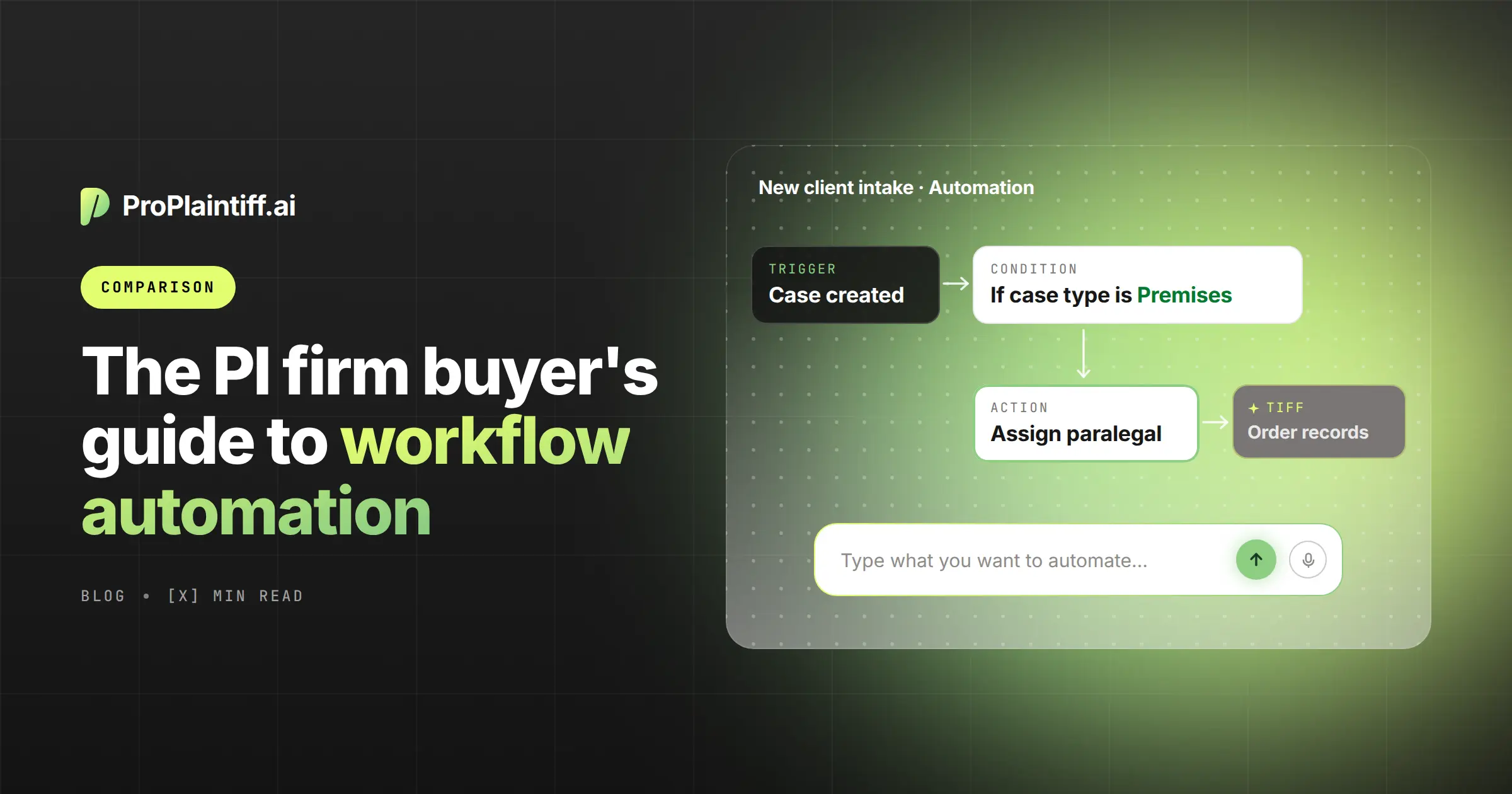
Many PI firms already have software that creates tasks, reminders, and stage-based checklists. Staff still end up opening the same records, copying the same facts, and preparing the same follow-up work by hand, so the workflow looks automated even though much of the labor hasn't changed.
Legal workflow automation software differs in how much of that work it can actually take on. Rule-based systems are useful when the problem is ownership and timing because they can assign tasks and trigger follow-ups consistently, while AI-assisted and agentic systems can also review documents, draft work product, identify missing information, or initiate approved actions. That difference matters because the firm isn't only choosing how work gets assigned; it's deciding how much of the underlying work software can complete before a staff member has to step in.
This guide compares ProPlaintiff, Eve, Litify, Filevine, SmartAdvocate, CASEpeer, and Clio across workflow automation, AI casework, oversight, integrations, and fit for PI firms. Match the platform to the work your team wants software to automate, reduce, standardize, or accelerate rather than treating every product labeled “AI automation” as equivalent.
If missed handoffs are the problem, rules-based task automation may be enough. If staff spend hours reviewing records, rebuilding case facts, or preparing drafts, the firm needs software that can reduce that manual casework rather than simply assign it. Match each platform to the specific delay, re-entry, or review burden you want to reduce instead of treating every product labeled “AI automation” as equivalent.
Platform | Best for | PI-specific | Workflow automation | AI casework | Key consideration |
AI-native PI workflow automation | High | High | High | Built around plaintiff-side casework and AI agents. | |
Broad plaintiff-focused AI automation | High | High | High | Confirm how it fits with the firm's existing system of record. | |
Large and enterprise plaintiff firms | High | High | High | Extensive configurability with greater governance needs. | |
Customizable case management with expanding AI | High PI fit | High | High | Confirm which modules are included in the proposed package. | |
Detailed PI procedure automation | High | High | Medium-High | Detailed rules-based automation with expanding AI capabilities. | |
Small and midsize PI firms | High | Medium-High | Medium | Turnkey PI workflows with native AI and integrations. | |
Multi-practice firms | Medium | Medium-High | Medium-High | Broad legal platform with less PI-specific depth. |
Run the same workflow through every finalist before comparing price. For example, upload a record set that refers to an MRI but doesn't include the MRI report, then check whether the system identifies the gap, creates the follow-up, and shows the source that triggered the concern. That test shows how much manual review, task creation, and follow-up still remain after the automated step finishes.
Legal workflow automation software automatically performs or coordinates repeatable law-firm processes when a defined event, schedule, or instruction occurs. A new case can create an intake checklist, a document upload can trigger review, and a stage change can assign the next set of tasks. Because the system reacts to the case event, staff don't have to remember every handoff manually.
Case management stores the matter's documents, dates, contacts, notes, and assignments, while workflow automation uses that information to initiate or complete defined next steps. When a well-organized CMS still leaves files untouched between stages, the gap is reliable execution after a case event occurs.
Legal automation has progressed from simple reminders toward systems that can read case content and perform approved actions with it. The practical difference is how much manual analysis, drafting, routing, or follow-up remains before a staff member has to intervene. Firms should identify which layer they need before paying for capabilities their workflows will not use.
Staff notice that a case is ready for its next stage, decide what should happen, and create the task themselves. The software stores the file, but progression still depends on someone checking the matter and assigning the next action. At higher volume, otherwise complete cases can sit idle because nobody saw that the next step was ready.
A known event triggers a predefined action, so changing a case to the demand-preparation stage might assign a checklist, set due dates, and notify the attorney automatically. Because the sequence is predictable, firms can standardize ownership and timing without asking AI to interpret evidence, which makes rule-based automation especially useful for repeatable administrative handoffs.
AI can shorten individual tasks by summarizing documents, extracting facts, or drafting work product. Staff may still need to verify the output, correct errors, save it to the matter, route it for approval, and initiate the next step. Measure those post-generation steps because they determine the actual reduction in staff time.
Agentic workflows connect several approved actions. New records can trigger review, a missing provider can create a follow-up task, and the updated chronology can be routed for approval. Because those steps run as a sequence, the system can reduce manual record review and handoff time, but firms still need clear approval points for consequential actions.
Use a realistic exception when you test each platform. After the system reviews the incomplete MRI file, correct one treatment date and ask the vendor to show whether that correction updates the chronology, case summary, and downstream draft. If staff must correct each output separately, include that repeated review and editing time in the cost comparison.
Best for: PI firms that want analysis, drafting, and workflow actions inside the same plaintiff-specific platform.
ProPlaintiff Automations can use case events or schedules to trigger actions involving documents, tasks, case information, and generated outputs, while its broader platform also includes AI case management, medical-record analysis, chronologies, demands, and document generation. Because those functions can use the same case context, the platform is most relevant when a firm wants verified evidence to carry into several downstream workflows without staff re-entering the same facts at each stage.
AI-native workflows still need governance because some actions should remain review-driven. Decide which steps can run automatically, which require approval, and how the system records failures, retries, and corrections. Start with one internal workflow, review the exceptions, and expand only after the team understands how staff recover from an error.
Best for: Plaintiff firms that want AI to assist with several stages of the case lifecycle.
EveOS emphasizes plaintiff-focused AI across intake, records, demands, discovery, case monitoring, and other case functions. That breadth can reduce the number of separate AI point solutions a firm needs. Firms should still map which information remains in their existing CMS, because every transfer between systems adds another step staff may need to monitor or reconcile.
Best for: Larger plaintiff firms that need configurable enterprise workflows across departments.
Litify AI combines case-management automation with agentic functionality through ACE, which suits firms that need different procedures, permissions, and reporting structures across intake, treatment, litigation, and other teams. That flexibility can be valuable, but it also increases the need for internal ownership because someone still has to define, govern, and maintain the workflows the platform is expected to run.
Best for: Firms that want established case management, extensive customization, and increasingly capable case-aware AI.
Filevine combines configurable workflows with LOIS, which can use matter data and execute supported actions inside the case. The platform is relevant when the firm values a mature CMS ecosystem and wants AI operating within that system of record. Ask the vendor to demonstrate the exact workflow using the modules included in the quote so optional capabilities aren't mistaken for base-platform functionality.
Best for: PI and litigation firms that want detailed procedural automation with growing native AI.
SmartAdvocate's WorkPlans and automated procedures can create tasks, reminders, documents, emails, and texts from case events, while SmartIntelligence adds AI-assisted summaries, case chat, and document analysis. Rules can standardize predictable handoffs, while AI can reduce the reading and drafting required for information-heavy tasks that don't fit a simple trigger. Test the two layers together to see whether staff still have to transfer information between them manually.
Best for: Small and midsize PI firms that want dedicated personal-injury case management with a growing AI ecosystem.
CASEpeer combines stages, tasks, treatment tracking, litigation events, alerts, and native AI through 8am IQ, while integrations extend medical chronology and demand workflows. Its established PI structure can shorten configuration and staff retraining when the firm already follows similar processes. Include connected AI products in the total cost because some advanced analysis or drafting may occur outside the base platform.
Best for: Firms that need broad practice management and may handle PI alongside other practice areas.
Clio's personal injury tools sit inside a broader platform for matters, calendars, documents, tasks, payments, and integrations. That breadth can simplify administration across multiple practice groups. A PI-only firm should still test medical records, demands, liens, treatment, and settlement workflows because general practice-management coverage doesn't guarantee the same plaintiff-specific depth.
Start with workflows that repeatedly consume staff time or allow cases to stall because those problems create the clearest baseline for comparison. Practical automation candidates have a recognizable trigger, a repeatable sequence, and a clear completion standard, so the firm can measure what the software actually changes. Once those elements are defined, test whether the platform reduces manual effort or merely shifts the same effort to a different step.
Workflow | Automation opportunity |
Intake | Create the matter, assign ownership, and request missing information. |
Case opening | Generate the opening checklist and assign the team. |
Medical records | Track incoming files, extract treatment information, and flag possible gaps. |
Medical chronologies | Build a dated treatment timeline with source links. |
Client communication | Prepare routine updates and escalate substantive questions. |
Case monitoring | Flag inactivity, missing information, or approaching deadlines. |
Legal research | Prepare sourced preliminary research at a defined stage. |
Demands | Assemble verified facts and prepare a draft for attorney review. |
Discovery | Organize standard materials and identify missing client information. |
Liens | Trigger follow-up when lien information changes. |
Settlement | Start closing documents and unresolved-obligation checks. |
Firm management | Generate recurring exception reports for stalled matters. |
Automate internal workflows first because mistakes are easier to correct before anything leaves the firm. Once staff understand how the platform flags incomplete information, records failed actions, and applies corrections, they can decide whether external communications or other higher-risk actions should also be automated.
Document automation creates an output, while workflow automation coordinates the steps around that output. A demand generator can create a draft, but it may not confirm that records are complete, assign attorney review, or escalate an unapproved draft. If drafting is already fast and documents still wait in queues, the firm needs workflow automation around the document, not merely faster generation.
Document automation | Workflow automation |
Creates or populates documents. | Coordinates several connected actions. |
Often starts when a user requests the output. | Can start from a case event or schedule. |
Example: generate a demand. | Example: confirm readiness, generate, assign review, and track approval. |
Reduces drafting time. | Reduces handoff and monitoring effort and may automate parts of substantive preparation. |
A focused document automation platform can still be the right choice when drafting is the only slow step. If the delay occurs before or after drafting, include ownership, deadlines, and escalation in the workflow design.
A point solution is often the lower-disruption choice when one process is slow and the existing CMS handles the surrounding workflow well. A firm that likes its case-management system but spends too much time building chronologies may only need specialized medical-record analysis. Keeping the change narrow limits migration scope and retraining while directly addressing the bottleneck.
A full workflow platform becomes more attractive when the same information is repeatedly transferred between systems. If medical facts are extracted in one tool, copied into a chronology in another, re-entered into a demand, and summarized again for settlement, the firm is rebuilding the same context several times. Map those transfers and consider consolidation when reducing those handoffs saves more staff time than migration and retraining consume.
Evaluate each product by the specific tasks it completes and the staff time required to verify, correct, approve, and route the result. A draft that appears in ten seconds but needs forty minutes of editing may still be useful, but the firm should count the forty minutes. Use the same case scenario for every finalist so the comparison reflects actual operating effort instead of sales language.
Make the vendor show both a normal case and a failure because the clean path only proves that the automation works when nothing goes wrong. Introduce a missing record, an incorrect fact, or a failed integration, then watch how the system alerts staff and recovers. If the team still has to discover the problem, repair the output, and restart the workflow manually, the automation may have created another queue rather than reducing monitoring and follow-up time.
A PI firm choosing among these platforms should start with the task that is creating delay or repetitive labor because each product concentrates on a different part of the operating model. ProPlaintiff is designed for firms that want AI-native case analysis, drafting, and agentic workflows inside a plaintiff-specific system, while Eve emphasizes broad plaintiff AI automation. In contrast, Litify and Filevine emphasize enterprise configuration or mature customizable case management, SmartAdvocate and CASEpeer center established PI procedures with expanding AI, and Clio remains relevant when a firm needs broader multi-practice management.
Choose by naming the delay in concrete terms. If cases stall because nobody owns the next step, standardize assignment and escalation. If staff spend days reading records and rebuilding the same facts into several documents, test software that can analyze the evidence and reuse verified facts downstream. If both problems occur, require the vendor to connect analysis, correction, review, and follow-up in one scenario before comparing price.
ProPlaintiff's AI paralegal and workflow tools are designed around connected PI case context, including records, documents, case analysis, tasks, and drafting. If that workflow model matches your firm, book a ProPlaintiff demo and bring a real process your team currently handles manually so you can measure which steps the platform automates, which it shortens, and what still requires review.
Legal workflow automation software starts or performs repeatable tasks when a defined event, schedule, or instruction occurs. For example, a medical-record upload can trigger review and create a follow-up task when the production appears incomplete. Test the full sequence because the value comes from the manual steps automated and the staff time reduced after the trigger, not simply from the presence of an automation feature.
The best fit depends on the firm's bottleneck because these platforms emphasize different combinations of case management, rules, AI, and automation. A firm losing time to task handoffs should evaluate different capabilities from one losing time to medical-record review or demand preparation. Define the workflow causing delay, re-entry, or excessive review, then require every finalist to run that same process with a realistic error or exception before comparing cost.
Common candidates include intake routing, case-opening tasks, medical-record processing, chronology drafting, routine client updates, case monitoring, demand preparation, discovery support, lien follow-up, and settlement closing checks. Start with repeatable internal tasks that have clear inputs and review points, then expand once the team understands how the platform flags and resolves exceptions.
Case management stores and organizes matter information, while workflow automation uses that information to initiate or complete defined tasks. A CMS may show that records were uploaded; an automated workflow can use the upload to begin review, assign responsibility, and create a follow-up when something is missing. Firms with organized data but stalled cases usually need that execution layer.
Document automation creates an output such as a demand, letter, or form. Workflow automation coordinates the steps around the output, such as confirming readiness, generating the document, assigning review, tracking approval, and escalating delays. If drafting is fast but documents still wait days for review, the firm needs workflow improvement as well as document generation.
Yes. AI can assist with records review, fact extraction, chronologies, drafting, gap detection, and follow-up tasks when the platform supports those functions. Attorneys and trained staff should still review consequential legal, medical, and factual conclusions. Automate repeatable preparation first, then keep legal interpretation, strategy, and final approval with qualified staff.
Legal AI can analyze medical records, extract treatment events, build timelines, and flag potential gaps, but the output still needs verification. A missing page or incorrect extraction can change the result. Ask vendors to show source links and correction behavior so reviewers can confirm findings without rereading the entire file.

Agentic case management platform designed to streamline the work of law firms.


Join our Newsletter
Welcome to ProPlaintiff!
Oops! Something went wrong, please try again


.svg)